

 Key Findings
 A blended number under 2 percent can still mask a dangerous hard-bounce problem. In cold outbound, check the bounce rate on every mailbox, pause any that go over 2 percent, and track hard bounces on their own.
Marketing lists tolerate up to 2 percent total bounces. Cold outreach needs hard bounces under 0.5 percent, because providers grade unproven senders on a stricter curve.
When a spike hits, ask one mailbox or all of them, and one import or the whole list. Pause, trace the latest batch, re-verify that slice, and resume only after you isolate the cause.
Syntax, MX, SMTP, and reputation checks each catch what the last one missed. Stack providers in a waterfall and score catch-alls separately instead of trusting a single valid flag.
Recovery is a slow ramp over several weeks that starts with your warmest segments. A blacklisted domain gets replaced. Treat the domain like infrastructure, because rebuilding trust takes longer than cleaning a list.
Most advice on email bounce rate is built for newsletter senders, not cold outbound teams. That is the problem.
You have probably heard the same rule everywhere. Keep bounces under 2 percent and you are fine. For general email programs, that benchmark is widely treated as safe. But cold email does not get the same margin for error, and founders who trust the generic rule often find out too late that "fine" on a dashboard can still mean spam placement, throttling, and dead mailboxes.
A low total bounce rate can hide the underlying issue. If your hard bounces are too high, mailbox providers read that as bad data and risky sending behavior, even when your blended number still looks acceptable. That is why outbound operators need a different standard, a faster diagnosis process, and a recovery plan that goes beyond "clean the list and resend."
Your email bounce rate is low, so why are you in spam
The usual advice says your email bounce rate is healthy if it stays under 2 percent, with 2 to 5 percent as a warning zone and anything above 5 percent treated as critical by ESPs, according to these email marketing benchmarks. That rule is real. It is also incomplete.
For cold outreach, it can give you false confidence. You can sit below that broad benchmark and still poison your sender reputation, because the total number blends together very different failure types, and mailbox providers do not treat them equally.
What the metric actually measures
Your email bounce rate is simple on paper. It is the percentage of emails that failed delivery out of total emails sent.
That is why so many teams watch it. It is visible, easy to compare over time, and usually the first deliverability metric an ESP surfaces in the dashboard. The trouble is that cold email operators often stop there, when the number only tells you that delivery failed, not whether the failure was temporary, permanent, isolated, or reputation-damaging. A "safe" overall bounce rate can still hide a dangerous hard bounce problem.
That is where standard advice falls apart. A newsletter list built from opt-ins behaves differently from a B2B prospecting list built from scraped, enriched, and verified data, and if you treat them the same, you will misread the risk.
Why spam placement happens anyway
Spam placement usually starts before the dashboard looks scary. One bad import, one weak verifier, or one catch-all-heavy segment can push enough invalid addresses into a send to make Gmail or Microsoft stop trusting the sender.
Then things get messy. Opens soften, replies dip, and inbox placement gets worse even though your total bounce number still looks "not that bad." If you have not already gone deep on domain reputation for cold email, start there, because bounce metrics only make sense when you view them as one input into a wider sender trust model.
The big mistake is treating bounce rate as a pass-fail KPI. It is not. In outbound, it is an early warning signal, and if you are only tracking the blended number, you are watching the wrong screen.
Hard bounces vs soft bounces
A bounce is not just a bounce, and the importance of this distinction is frequently underestimated.
A soft bounce is usually a temporary problem. Think full inboxes, short-lived server issues, or transient receiving-side problems. A hard bounce is different. It means the address is invalid, missing, or permanently undeliverable, and that is the kind of failure mailbox providers treat as your fault.
| Soft bounce | Hard bounce | |
|---|---|---|
| What it is | A temporary delivery failure | A permanent delivery failure |
| Typical cause | Full inbox, server timeout, transient issue | Invalid, missing, or non-existent address |
| Provider view | Usually neutral if it resolves | Read as weak data and your fault |
| Right response | Watch the pattern, retry carefully | Suppress the address immediately |
The business difference
Soft bounces are annoying. Hard bounces are expensive.
If a mailbox was temporarily unavailable, you may still have a valid contact. If the address never existed or no longer exists, every repeat send tells providers that your data quality is weak. That is why hard bounces need tighter control than soft bounces.
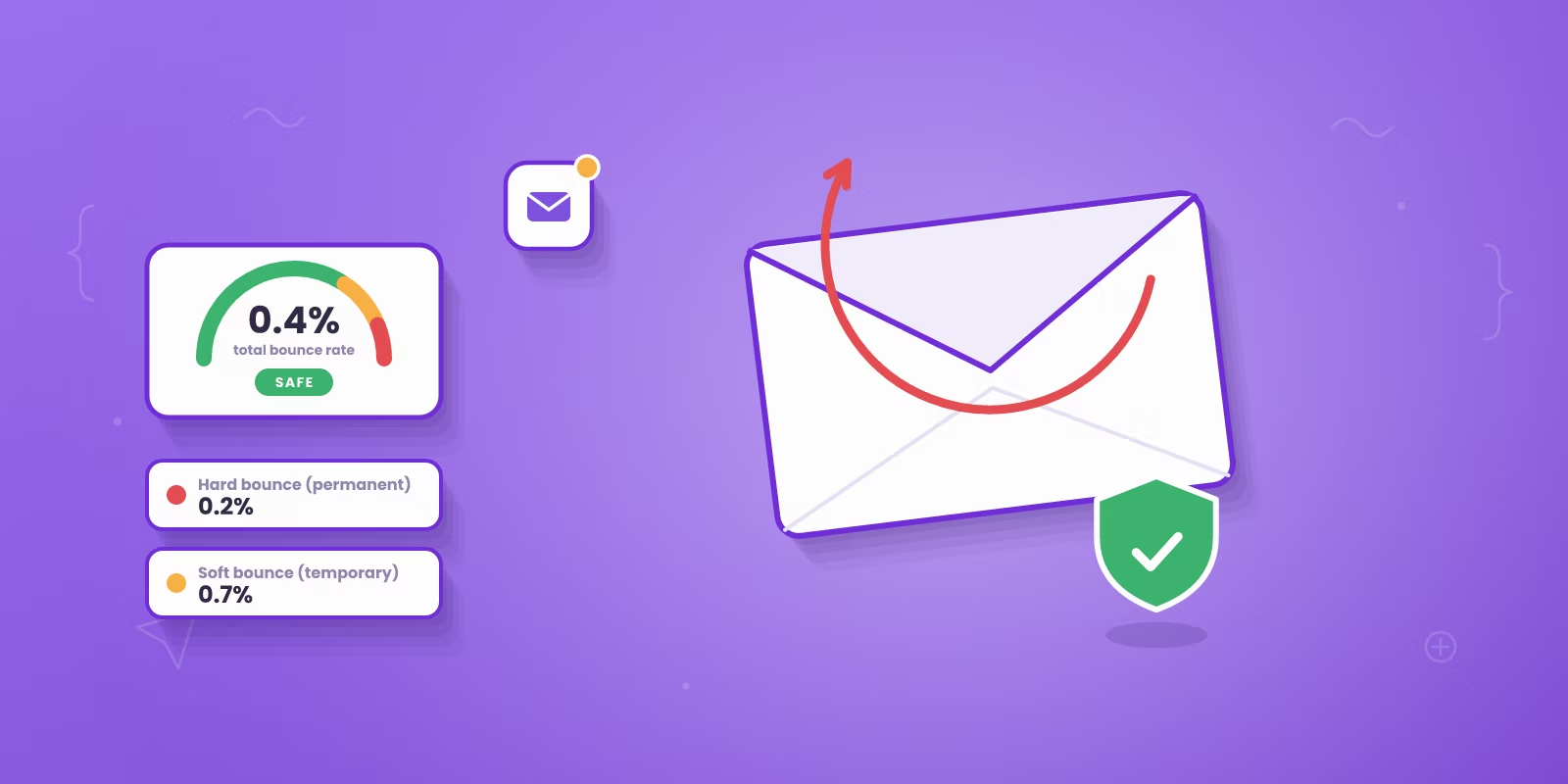
According to Verified Email's bounce benchmark summary, a healthy hard bounce target is below 0.5 percent for permission-based lists, while a 2025 analysis by Mailerio found average hard bounces at 0.21 percent and soft bounces at 0.70 percent. The lesson is obvious. Strong programs keep permanent failures close to zero.
What to do with each type
Do not handle both the same way. That is where a lot of teams wreck usable data or keep bad data too long.
| Bounce type | What it usually means | What to do |
|---|---|---|
| Hard bounce | Permanent failure | Suppress immediately |
| Soft bounce | Temporary failure | Review the pattern before removal |
| Unknown | Unclear classification | Check provider-level logs first |
A hard bounce is a red card. A soft bounce is a yellow one. If you treat every bounce like a delete event, you will throw away recoverable contacts. If you treat every bounce like a retry event, you will keep hammering dead addresses and wreck reputation. The cleanest operating rule is simple:
- Hard bounce: remove or suppress right away.
- Soft bounce: watch the pattern, then decide.
- Unknown classification: check provider-level logs before taking action.
Cold email teams need this split in every dashboard. If your ESP only shows total bounces, export the logs and separate them yourself. Otherwise you are making sending decisions blind.
How should cold email use the 2 percent line?
The 2 percent line comes from marketing email, and it still works for cold outbound once you apply it to every mailbox on its own and track hard bounces separately. Reachly pauses any mailbox that goes over a 2 percent bounce rate, rests it for 1 to 2 weeks, and swaps in a warm one.
That number survives because it is easy to remember and broadly useful for permission-based sends. But cold outreach runs on lower-trust data, weaker prior engagement, and more contact churn, so the 2 percent line has to be checked per mailbox, and permanent failures need their own, tighter limit.
| Benchmark | Opt-in marketing list | B2B cold email |
|---|---|---|
| Total bounce tolerance | Up to about 2 percent | Under 2 percent per mailbox, the pause line |
| Hard bounce threshold | Loosely folded into the 2 percent | Under 0.5 percent, tracked on its own |
| List source | Opt-in, prior engagement | Scraped, enriched, then verified |
| How providers grade you | Lenient, trust already built | Strict, trust not yet earned |
Cold email gets judged harder
Most articles flatten the issue into one benchmark. As this cold-email bounce breakdown points out, most content treats under 2 percent as a universal benchmark and mixes hard and soft bounces together, even though cold outreach needs a stricter hard-bounce threshold of under 0.5 percent to avoid immediate reputation damage, while marketing lists can tolerate up to 2 percent total bounces.
That difference changes how you run outbound. A founder sending cold campaigns from dedicated domains cannot afford to shrug off hard bounces just because the blended total still looks acceptable. The mailbox provider is not grading you on the same curve as an opt-in newsletter.
Why one blended number creates bad decisions
A single campaign-wide number creates the wrong behavior. Teams see 1.4 or 1.8 percent total bounces across the campaign and keep sending, even when one mailbox is already over 2 percent or the hard-bounce slice is the underlying problem. That usually leads to three bad moves:
- They keep weak data live. The total number hides a poisoned segment.
- They blame copy or offer too early. Inbox placement is already slipping.
- They scale volume before fixing quality. More sends just make the trust problem bigger.
If you run cold email, check two numbers on every mailbox. The first is the total bounce rate, and any mailbox over 2 percent comes out of the campaign. The second is the hard bounce rate, which should stay under 0.5 percent, because that is the class of bounce mailbox providers punish fastest. There is a trade-off here. Chasing an unrealistically perfect bounce rate can make teams over-prune and lose reachable prospects, especially on catch-all domains.
How to diagnose a bounce rate problem fast
When bounce rate spikes, speed matters. Waiting even a day can turn a list issue into a sender issue.
The first question is always the same. Is it one mailbox or all of them? That split tells you where to look next, and it saves you from the classic mistake of cleaning the list when the sender is the problem.

Rapid bounce rate spike diagnosis workflow
If it is one sender
Pause that mailbox first. Do not let it drag the domain down.
For B2B outbound, the technical threshold that matters is a hard bounce rate below 0.5 percent, and once you exceed it, sender reputation starts degrading with Gmail and Microsoft, often alongside 5.7.26 SMTP errors tied to missing or misconfigured authentication records. The same source notes that B2B lists decay by about 3.6 percent monthly, which is why a list that looked fine earlier can fail fast later, as covered in Prospeo's hard bounce rate write-up. If one sender spikes while the others stay normal, check:
- Authentication health: SPF, DKIM, and DMARC need to be present and aligned.
- Recent mailbox changes: a new sender, changed routing, or poor warm-up history often shows up here.
- Bounce code patterns: look for repeated authentication or policy failures, not just unknown users.
If it is across the board
That usually means the list is dirty. In practice, the spike almost always rides in on a recent import. Here is the fast workflow we use in outbound operations:
- Pause the affected campaign. Do not send through it.
- Trace the latest batch. Find the segment, enrichment source, or CSV import added most recently.
- Re-run verification on that slice only. You are looking for the contaminated batch, not reprocessing your whole database in a panic.
- Check bounce categories in the ESP. Group by permanent failure, policy block, and server-side issue.
- Resume only after isolation. If you cannot identify the bad set, do not restart.
Bad diagnosis burns good domains. One more thing: do not confuse an attribution mess with a deliverability mess. If your reporting already has challenges with attribution data, it gets even easier to misread what is happening and blame the wrong campaign variable, so keep bounce diagnostics tied to raw send logs, mailbox-level results, and import history instead of high-level pipeline dashboards.
The verification workflow that keeps bounces near zero
Single-tool verification is where a lot of outbound programs fail. One provider misses what another catches.
The fix is a verification waterfall. Instead of trusting one vendor's pass or fail, run contacts through multiple sources in sequence and only send to addresses that come back clean enough to earn a place in the campaign. Think of it as layers, each one catching what the layer before it let through.
How the waterfall works in practice
In Clay, stack providers. BetterContact, Prospeo, Icypeas, and LeadMagic are a practical mix, because each has blind spots and different coverage strengths. The workflow is simple:
- Start with one source. If it confirms the address cleanly, keep moving.
- Pass non-confirmed records to the next provider. Do not reject too early.
- Stop weak records from entering the send list. "Maybe valid" is not a send decision.
- Suppress repeat hard bounces. Once an address proves dead, it stays out.
This is also the one place a service layer can make sense. Reachly uses a multi-source verification flow inside its outbound process to verify contacts before sending and suppress repeat failures, which is exactly the kind of operational guardrail cold email needs when teams do not want reps cleaning data by hand.
Catch-all handling is the real lever
Most hidden bounces live in catch-all domains. That is the part generic advice misses. A catch-all server may accept any address at the server level, which means "accepted" does not mean "safe." If you treat every accepted catch-all as valid, you will keep sneaking bad records into campaigns and wondering why your hard-bounce rate will not settle. Use a separate decision rule for catch-alls:
| Record type | Send decision |
|---|---|
| Confirmed valid | Safe to include |
| Catch-all accepted | Score separately and review |
| Role-based address | Exclude |
| Duplicate record | Remove |
The second big win is boring but important. Kill duplicates and role-based addresses like info@, sales@, and support@ before they ever touch a sequence. Those addresses create noise and routing uncertainty, and they make performance harder to read. Verification is not one check. It is a chain of checks with stricter rules for risky records.
If your domains are still new, pair this with a sane warm-up plan. A clean list will not save a sender that has not earned trust yet, which is why warming up a cold email domain properly still matters even when your data hygiene is strong.
Advanced recovery when your domain is damaged
Once the domain is damaged, list cleaning alone usually will not save it. Providers are no longer just judging whether the next address is valid. They are judging whether the sender deserves trust again.
That is why the recovery move is not "resume with a cleaner file." The better move is a gradual reintroduction, where you send first to the people most likely to engage and expand slowly only after the domain stabilizes.
What recovery actually looks like
Recovery after a bounce spike usually means a gradual reintroduction over several weeks that starts with engaged segments only, because a simple list clean-up often fails to restore reputation when providers are weighing engagement signals more heavily. That means your order of operations matters:
- Stop risky sends first. Do not keep testing the damaged asset.
- Use your warmest audience first. Prior replies, active contacts, and known-safe segments help re-establish trust.
- Expand slowly. Add colder slices only after the sender shows stable behavior.
- Keep suppression strict. Any fresh hard bounce goes out immediately.
What usually goes wrong
If the domain has landed on a blacklist, replace it. A new domain needs 4 weeks of warm-up, which is usually quicker than nursing a blacklisted one back.
Often, teams rush this stage. They clean the list, see one decent day, then go right back to full-volume prospecting. That is how domains stay half-broken. The sender may technically recover enough to send, but not enough to hold inbox placement once volume rises or colder segments come back in.
Recovery works when you treat it like reputation rebuilding, not list maintenance. Clean data fixes the cause. Careful reintroduction fixes the trust problem. If the domain matters, protect it like an asset, because that is what it is.
Stop tracking bounces, start protecting your domain
If you only keep one rule from this article, make it this one. Stop staring at total bounce rate as if it tells the whole story.
In cold outbound, the primary job is protecting sender reputation. That starts with separating hard bounces from soft ones, using a stricter threshold for permanent failures, and building a verification workflow that does not trust a single tool or a single "valid" flag. It also means diagnosing spikes by isolation, not instinct. One mailbox or all mailboxes. One import or the whole list. Find the source fast, then stop the damage.
A lot of teams also miss the wider context. Bounce control matters, but it sits inside the larger system of mailbox trust, which is why this guide on understanding sender reputation is worth reading if you want the full picture beyond list hygiene alone. And do not skip the basics when the problem looks advanced. Authentication still matters. If you have not tightened up SPF, DKIM, and DMARC for cold email, do that before you blame data, copy, or send volume.
The teams that keep booking meetings from cold email are not guessing. They verify before sending, suppress fast, isolate problems early, and treat domains like infrastructure, not disposable tools.
If your outbound team is fighting bounce spikes, weak inbox placement, or sender issues that generic advice does not fix, our cold email agency team can help. Reachly runs done-for-you cold email, LinkedIn, and cold calling campaigns for B2B teams, with verified data, dedicated sending setup, and live campaign visibility, so you can protect your domain while still booking meetings.
Recommended service
Cold Email Agency
Reachly runs cold email end to end: dedicated infrastructure, signal-led copy, and replies handled until a meeting is booked.










