Most advice on LinkedIn is upside down.
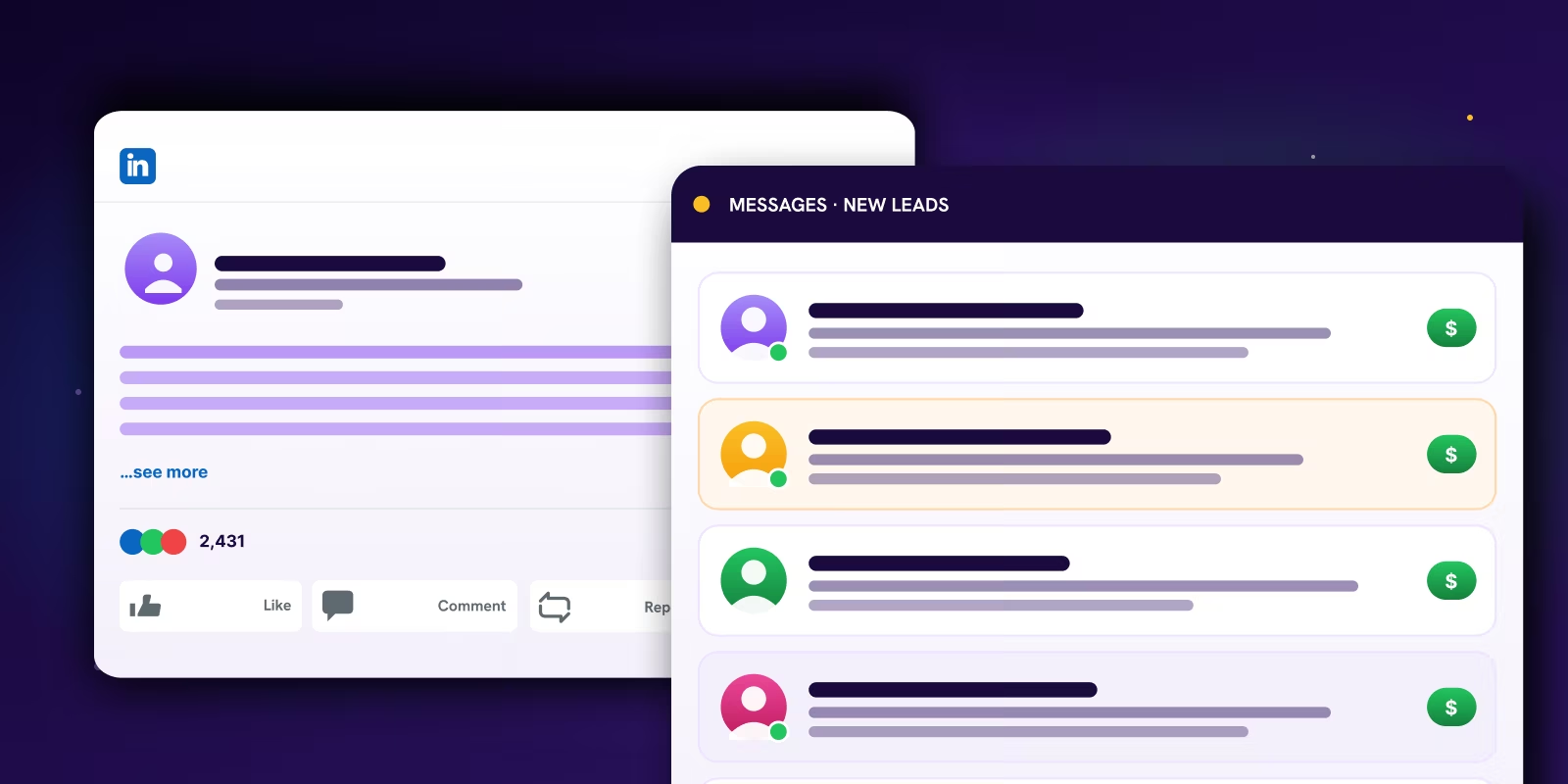
It tells you to post consistently, tell personal stories, ask for engagement, and build your brand. That's fine if your goal is attention. It's useless if your goal is pipeline. LinkedIn posts that get leads don't win because they collect likes. They win because they trigger the right people to click your profile, reply in DMs, mention the post on a sales call, or take the next step.
That's the standard that matters. Not applause. Qualified conversations.
Your LinkedIn Posts Are Getting Likes Not Leads Here Is Why
You're probably writing for the feed, not for the buyer.
That's the mistake. A post can look “successful” on LinkedIn and still do nothing for revenue because it's too broad, too safe, and too vague to make a real buyer act. Generic networking posts, motivational stories, and “just be consistent” advice are mostly noise. They attract peers, not prospects.
The stronger pattern is simple. The best lead-generating posts are specific, numbers-driven, and tied to one narrow problem with a clear CTA, while generic “let's connect” posts are weaker, as noted in this guide to examples of effective LinkedIn posts.
Vanity metrics hide bad strategy
A lot of teams confuse visibility with intent. That's how they end up celebrating comment counts while sales says nothing useful came from the post.
If a founder gets fifty comments from other founders, but zero profile visits from target accounts and zero qualified DMs, the post didn't work. It entertained the wrong crowd.
Practical rule: If your post can apply to five different buyer types, it won't feel urgent to any of them.
You need a harder filter. Ask:
- Who is this for: One role, one segment, one pain point.
- What problem is it naming: Not a category. A real issue the buyer already feels.
- What action should happen next: Comment, DM, click, or connection request.
If you're still tuning your feed around visibility, this breakdown of optimizing B2B content on LinkedIn is worth reading alongside Reachly's guide to the LinkedIn algorithm. Both matter, but only after you stop treating engagement as the finish line.
The wrong audience is easy to impress
Peers love broad takes. Buyers don't.
Your buyer responds when a post sounds like it came from their sales meeting, their Slack thread, or their weekly pipeline review. That means less “here's my leadership lesson” and more “here's the exact problem that keeps showing up in calls.”
That's where leads start.
Stop Writing Content Start Documenting Problems
The fastest way to write weak LinkedIn posts is to brainstorm topics from a blank page.
Don't create content. Document what prospects already say.
our best posts are already in your call recordings
There's a proven framework for this. Mine sales-call transcripts for recurring pain points and use the prospect's exact phrasing. The recommended ratio is 80% problem identification and 20% solution presentation, according to this LinkedIn lead-generation formula.
That ratio matters because most company posts do the opposite. They rush to explain the product before the buyer even feels understood.
Pull language from places like:
- Sales calls: Objections, stalled deals, repeated questions.
- Demo recordings: What buyers ask before they trust you.
- Support tickets: Where expectations break and friction appears.
- Win-loss notes: Why people bought, or why they didn't.
- Customer success calls: What users struggled with before they got results.
A simple workflow that works
This doesn't need to be fancy. It needs to be repeatable.
Run your raw conversations through a transcript tool. Tag repeated phrases. Group them into themes. Then turn each theme into one post angle. If you use outbound tools already, keep this in the same operating system as your prospect research and signal tracking.
Here's a practical filter:
| Signal from calls | Turn it into |
|---|---|
| Repeated complaint | A pain-point post |
| Misunderstood category | A myth-busting post |
| Delayed buying reason | A problem-agitation post |
| Specific desired outcome | A CTA-led resource post |
Stop trying to sound smart. Start sounding familiar.
That's the whole game. Buyers trust posts that mirror what they already believe but haven't seen written clearly.
Use their words, not your positioning doc
Founders and SDR leaders usually ruin good post ideas by polishing them too much. They swap plain buyer language for internal messaging. That kills the post.
If prospects say “we're getting demos but they're junk,” don't rewrite it as “top-of-funnel quality inconsistency.” Keep it human. Keep it sharp.
When you see a phrase show up repeatedly, treat it like a buying signal. Reachly has a useful breakdown of buying signals in B2B sales that book meetings, and the same logic applies to content. Repeated pain is not just research. It's your content calendar.
The Anatomy of a Post That Actually Converts
Most LinkedIn posts die in the first two lines.
Not because the idea was bad. Because the structure was lazy.
Anatomy of a Converting Post
The Hook
Captures attention instantly.
The Problem
Identifies a common pain point.
The Agitation
Deepens the emotional impact of the problem.
The Solution Hint
Briefly teases a way to resolve the problem without giving away everything.
Call to Action (CTA)
Guides the reader on the next step.
The five-part structure
A post that gets leads usually follows this sequence:
- The Hook
Open with tension, not a summary. Say something a real buyer would stop on because it threatens a current belief or names a painful truth. - The Problem
Define one issue with precision. Don't stack three problems into one post. That weakens the message and makes the reader work. - The Agitation
Show the cost of leaving the problem alone. Lost time, wasted SDR effort, weak meeting quality, confused handoffs. These issues create urgency. - The Solution Hint
Give the reader a path, but not the whole workshop. Enough to create trust. Not so much that the post turns into a bloated tutorial. - The CTA
Tell them what to do next. Ask for a reply, offer a checklist, invite a DM, or point to a useful resource tied to the exact problem.
Here's what that sounds like in practice:
Your LinkedIn content isn't failing because you don't post enough.
It's failing because every post sounds like it was approved by three people and written for nobody.
If your ICP can't tell the post is for them in two lines, they scroll.
We fix this by pulling hooks from sales calls, then matching each post to one next step.
If you want the template, send me “hook” and I'll share it.
That works because each line earns the next one.
Format matters more than most teams admit
A good message in the wrong format gets buried. That's why “just post more” is weak advice.
According to LinkedIn engagement data from Sprout Social, carousel and document posts average a 6.60% engagement rate, which is 278% higher than video posts and 303% higher than image posts. The same analysis says long-form text posts over 1,300 characters get 18% more engagement than shorter posts.
That should change how you build your content stack.
Use this simple decision table:
| Post type | Best use case |
|---|---|
| Document or carousel | Teaching a process, breaking down mistakes, step-by-step diagnosis |
| Long-form text | Strong opinion, pain-point narrative, contrarian insight |
| Poll | Starting a conversation when you already know the likely debate |
| Short video | Supporting content, not your main lead-gen format |
If you want timing context to pair with format choice, these data-backed LinkedIn insights are useful, and Reachly's own guide on the best time to post on LinkedIn for B2B helps you map that to actual buyer behavior.
The CTA is where most posts fall apart
Bad CTAs are either too soft or too needy.
“Thoughts?” is lazy. “Book a call” is too early for most cold readers. The middle ground works better because it matches intent.
Use CTAs like:
- Ask for a keyword DM: “DM me ‘audit' if you want the checklist.”
- Invite a specific response: “If this is happening in your outbound team, comment ‘pipeline'.”
- Offer one relevant asset: “I'll send the framework we use to score engaged accounts.”
The rule is simple. Your CTA should feel like the natural next step for someone who agrees with the post. Not a jump.
Four Post Blueprints That Get Replies
Good LinkedIn content is not an art project. It is sales collateral in public.
If a post cannot start a useful conversation with a buyer, it is filler, even if it gets applause from other marketers. Use post formats that point to a specific next step. That is how you turn visibility into meetings instead of vanity metrics.
Four LinkedIn Post Blueprints
The 'Question & Challenge' Post
Poses a thought-provoking question to the audience, inviting their perspectives and challenges.
The 'Mini-Case Study' Post
Shares a brief, compelling example of a problem solved or a success achieved, focusing on the client's journey.
The 'Myth vs. Reality' Post
Debunks a common misconception in the industry, presenting the true picture.
The 'Future Trend & Impact' Post
Discusses an emerging trend and its potential implications for the target audience.
The Contrarian Take
Use this when your market keeps repeating advice that sounds smart and performs badly.
Formula:
Common belief → why it fails in practice → what to do instead → CTA
Example:
Everyone says post every day. Bad advice for B2B teams with weak positioning.
If the message is generic, more volume just spreads the same forgettable point to more people.
One sharp post built around a real buying problem will produce more qualified replies than five filler posts about mindset or habits.
DM me “review” and I'll send the checklist we use before anything goes live.
This format works because buyers pay attention when you attack a bad default and replace it with a clear operating rule.
The Pain Point Analysis
Use this when the same problem shows up across sales calls, lost deals, and cold reply data.
Formula: Name the symptom → explain the actual cause → show the cost of ignoring it → point to the fix
Example:
A lot of B2B companies think they have a lead volume problem.
They usually have a message-match problem. Their posts attract peers and recruiters, while buyers keep scrolling because the language is too broad to feel relevant.
That creates fake momentum. The feed looks active, but there is no increase in qualified conversations, booked meetings, or pipeline.
The fix is simple. Write from call notes, objections, and deal reviews instead of brand messaging docs.
This blueprint gets replies because buyers often respond to posts that describe their problem more clearly than their own team does.
The Here's My System Post
Use this when you want to attract operators who respect process and want proof that you have one.
Formula:
Short setup → numbered workflow → one common mistake → CTA
Example:
Here's the system we use to turn one LinkedIn post into outbound signal:
- Pull one repeated pain point from recent sales calls.
- Write a post around that single issue.
- Track who comments, reacts, and visits the profile from target accounts.
- Enrich those accounts in Clay.
- Send a follow-up that references the post and offers the related asset.
Mistake: pitching right after engagement.
Better move: send the checklist, teardown, or framework first, then qualify the conversation.
This post type works because it attracts serious buyers and serious peers. It also pre-frames your follow-up. Prospects already know how you think and how you work.
The Data-Backed Insight
Use this when one hard number can reframe a common behavior and give you an angle strong enough to earn a reply.
The rule is simple. Use one number. Explain what it means. Then tell the reader what to do with it.
Example: LinkedIn's own B2B Institute has reported that only 5 percent of buyers are in-market at a given time, while 95 percent are not. That should change how you post. Your job is not to force an immediate meeting from every impression. Your job is to earn recognition early, then give interested accounts an easy reason to raise their hand when the problem becomes urgent.
One clear number plus one strong recommendation will outperform a post stuffed with random stats.
Run these four blueprints on rotation. Tie each one to a buyer problem, a specific CTA, and a follow-up asset. That is how LinkedIn posts start producing replies that sales teams can use.
The Real Work Starts After You Click Post
At this point, most LinkedIn guides falter.
They end at publish. Revenue starts after that.
Post-Engagement Strategy
Turn engagement into meaningful conversations and lasting relationships
Monitor & Engage
Actively track comments, likes, and shares, responding thoughtfully to all interactions.
Identify Buying Signals
Look for comments or questions that indicate a need, interest in a solution, or a problem to be solved.
Move to DM (Private Message)
For identified buying signals, initiate a polite, value-driven private conversation.
Offer Value, Not a Sale
In the DM, provide further insights, resources, or a relevant solution without immediately pushing for a sale.
Schedule a Follow-Up
Propose a next step, such as a brief call or a resource download, to continue the conversation.
The Goal: Build trust, provide value, and guide prospects toward the right solution — on their terms.
Treat engagement like outbound signal data
A like is weak. A profile view is better. A relevant comment or DM from a target account is where things get interesting.
The post isn't the campaign. It's the trigger.
A repeatable system matters more than one viral post. One practical framework recommends a content mix of 60% educational, 25% inspirational, and 15% personal content, paired with tracking CPL, CTR, and conversion rate, while promoting strong posts with follow-up actions to turn them into a measurable lead-generation system, as outlined in this guide to LinkedIn lead generation strategies.
What to do in the first day
Keep it simple. Speed matters more than polish here.
- Reply to comments with intent: Don't just say thanks. Ask a short follow-up that can move the conversation toward a DM.
- Check profile visitors: If target accounts are showing up, the post is doing real work even without heavy public engagement.
- Tag engaged accounts: Drop them into your outbound workflow so they don't disappear into the feed.
| Signal | Action |
|---|---|
| Relevant comment | Reply publicly, then send a short DM tied to the comment |
| Profile visit from target account | Add to account list and prep follow-up |
| Post like from ICP | Watch for second signal before direct outreach |
| Direct DM | Answer the problem first, then offer next step |
Don't pitch the person who engaged. Continue the conversation they already started.
A DM script that doesn't get ignored
Teams often blow this by sending a disguised sales message.
Use something closer to this:
“Appreciate you engaging with the post. You mentioned the same issue we see a lot with outbound teams. Happy to send over the checklist we use to diagnose it if helpful.”
That works because it continues the topic. It doesn't force a meeting before trust exists.
If the person responds, then you can move to:
- the checklist
- a short teardown
- a relevant example
- a light meeting ask if the need is clear
Connect posting to multichannel follow-up
Tools prove their value. Clay can enrich the engaged account. Smartlead can handle the email side. HeyReach can support LinkedIn sequencing if the signal is strong enough to warrant follow-up. Reachly offers this as a managed motion, combining LinkedIn engagement signals with coordinated email and phone outreach so teams can route warm social activity into an actual outbound sequence.
The point isn't to automate everything. It's to stop wasting buyer intent.
A post should create signals. Your system should catch them. Your outbound motion should turn them into meetings.
Your LinkedIn Is a Pipeline Not a Megaphone
LinkedIn is not a content channel first. For a B2B team, it is an intent signal channel.
Treat it that way and your posting gets sharper fast. A post has one job. Pull the right people into view so sales can act on real interest. If it gets likes from peers, recruiters, and random founders, it entertained people. It did not help pipeline.
The practical shift is simple. Build posts from real sales conversations. Pick the format based on the problem. Use a text post for a sharp opinion or pattern you keep seeing in calls. Use a document post when the buyer needs to see a process, checklist, or teardown. Then decide the follow-up before you publish. No next step means no pipeline.
If you want extra reading on channel basics, these effective LinkedIn marketing tips are a useful complement. The mistake is stopping at marketing advice. The post needs a sales action attached to it.
Here is the workflow I recommend for founders and lean SDR teams. Post about one specific problem from a recent call. Watch for engagement from target accounts for 24 to 72 hours. Tag those accounts, enrich them in Clay, and send a first email that references the problem discussed in the post, not the post itself. The goal is simple. Continue an active buying conversation on another channel.
One example. You post, “Why outbound reply rates stay flat even after a full personalization rewrite.” A VP Sales from a target account likes it. Another person from the same company views your profile. That account goes into your active list. Sales pulls firmographic data, checks open roles, and sends a short email offering a reply-rate teardown. That is a real motion. It gives your team context, timing, and a reason to reach out.
Write one post from your last sales call this week. Use the exact words the prospect used. Build the hook around the friction, not your offer. Then route every meaningful signal into follow-up.
That is how LinkedIn contributes to meetings instead of vanity.
Recommended service
LinkedIn Ghostwriting
Reachly writes and runs your LinkedIn presence so your profile builds authority and brings in inbound B2B leads.