20(15).jpeg)
 Key Findings
There are 500 outbound tools and most of them overlap. The ones that actually move the needle are the ones that own a specific job in a specific stage. Pick one or two per category, TAM mapping, enrichment, verification, signals, and outreach, and make them work together. Complexity kills execution.
Clay is not a tool. It is the operating system for your entire outbound stack. Running Icypeas, LeadMagic, MillionVerifier, ZeroBounce, and BetterContact inside Clay via API means one table does the work of five separate tools. Without Clay at the center, every other tool in this list becomes a manual, disconnected step.
Buying signals are what separate good outbound from great outbound. Trigify tracks who is engaging with competitor content on LinkedIn. RB2B catches who is visiting your website right now. Layering these signals into your Clay workflow means you stop guessing who is in-market and start reaching out to accounts that are already showing their hand.
Email deliverability is not a set-and-forget problem. Every list needs to pass through Icypeas for finding, LeadMagic as a waterfall fallback, and MillionVerifier and ZeroBounce for final verification before a single email goes out through Smartlead. Skipping any of these steps is how you destroy a domain in two weeks.
The real cost of building this stack yourself is not the software licenses, which can exceed $50,000 per year for a small team. It is the six months of learning, experimenting, and making mistakes while your pipeline sits empty. A done-for-you system like Reachly gets the same machine live in two to three weeks, with expert operators running every stage so your team can focus on closing the meetings we book.
The 12 Best B2B Lead Generation Tools for Founders in 2026
Finding the best B2B lead generation tools is not about collecting logos. It is about building a system that gets you meetings.
A bad tool stack wastes money, burns out your reps, and gets your domain blacklisted. A good one finds your ideal customers before your competitors do and starts conversations that close.
The market is loud. Every platform claims to be an "all-in-one" solution. They are not. Most tools do one or two things well and bolt on the rest. Your job is to pick the right tool for the right part of the job. Then you have to make them work together without breaking. This is harder than it sounds.
There are 500 outbound tools. Here is exactly where to start.
At Reachly, we run multichannel campaigns for 70+ clients. Our outbound system runs in five stages. Every stage has specific tools doing a specific job. Pick one or two per category. Do not overcomplicate it.
Stage 1: Map your TAM — Clay, AI Ark, LinkedIn Sales Navigator
Stage 2: Enrich and verify contacts — Icypeas (emails), MillionVerifier and ZeroBounce (verification), BetterContact (phone numbers). Pro tip: run all of these inside Clay via API. One table does the work of all those tools.
Stage 3: Identify buying signals — Trigify.io (LinkedIn engagement), RB2B (website visitors), Crunchbase (recent funding). This is what separates good from great.
Stage 4: Segment before you send — Do not send the same message to everyone. Split by persona, industry, signal, and offer angle. Then write accordingly.
Stage 5: Launch multichannel — HeyReach for LinkedIn (we are certified experts, it is that good), Smartlead for email (primary sender, reliable deliverability), Zapmail for sending infrastructure.
We have tested simpler setups. We have tested more complex ones. This is what actually moves the needle for our clients.
1. Clay
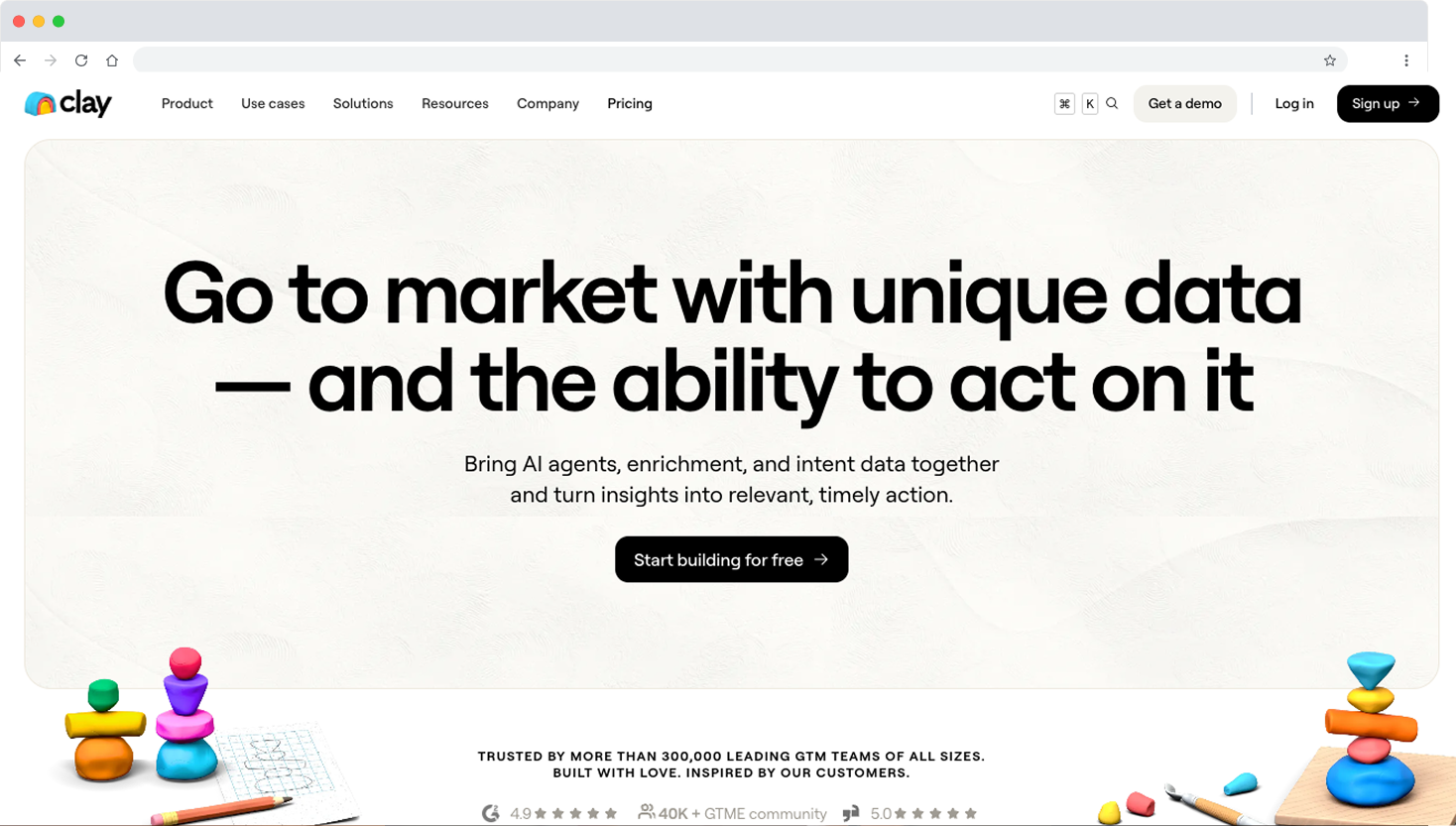
Clay is not just another data tool. It is the central nervous system of our entire outbound operation at Reachly. It sits at the intersection of every stage, from ICP structuring and TAM mapping to signal aggregation and personalization at scale.
What makes Clay one of the best B2B lead generation tools is its ability to orchestrate complex research sequences that were previously impossible to automate. You connect it to over 50 data providers, pull and combine information in one place, and use its AI features to generate hyper-personalized first lines for your outreach. This moves your campaigns from generic templates to one-to-one messages, even when prospecting thousands of people.
Sign up through Reachly and get 3,000 free Clay credits. Try Clay here.
Key Features and Use Cases
- Data orchestration and waterfalls: Chain multiple data sources together. If one provider cannot find an email, Clay automatically tries the next one in your sequence, saving credits and improving fill rates.
- AI enrichment and personalization: Use Clay's AI Writer with custom prompts to analyze raw data and generate unique personalization. Ask it to find a podcast a CEO appeared on, or summarize a company's recent funding announcement into a single sentence.
- Signal aggregation: Pull buying signals from multiple sources into one workflow. Funding announcements, hiring sprees, tech stack changes, all in one place.
- CRM and webhook integration: Push finalized, highly enriched lead lists directly into your CRM or sales engagement platform like Smartlead or HeyReach.
Pricing and Drawbacks
Clay offers a free tier to get started, with paid plans starting at $149/month based on credits and features. The main drawback is the learning curve. It is an incredibly powerful platform, but it requires a clear data strategy and a willingness to experiment. Complex workflows can also consume credits quickly if not built efficiently.
Website: www.clay.com
2. LinkedIn Sales Navigator
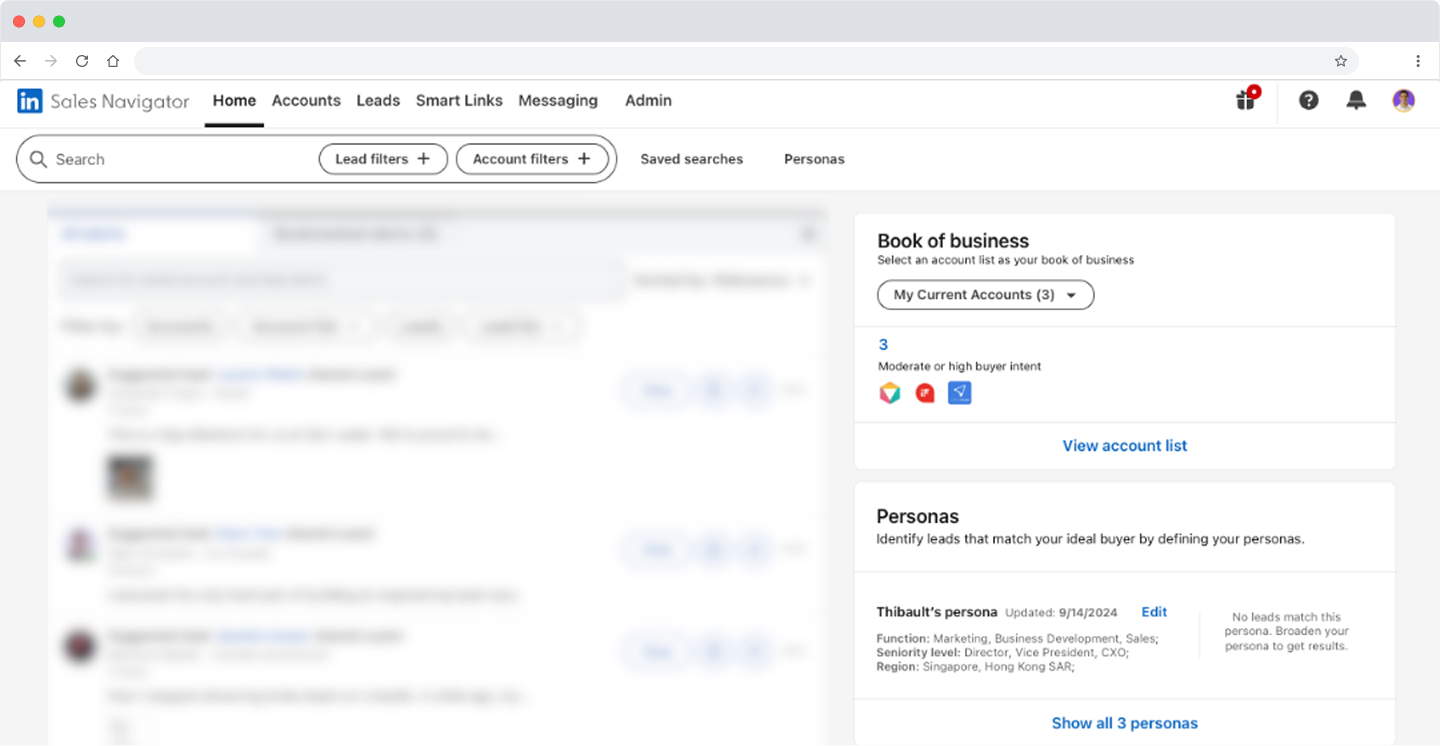
No B2B tech stack is complete without LinkedIn Sales Navigator. It is the single most accurate source of professional data on the planet, and it is our primary discovery tool for finding the exact decision-makers we need to target.
Trying to run outbound without it is like prospecting with a blindfold.
What makes it one of the best B2B lead generation tools is its powerful filtering. You can pinpoint leads by over 50 criteria, including company headcount, seniority, function, and recent job changes. Saved Searches and real-time alerts notify you when new prospects fit your ICP or when key accounts show buying signals like rapid growth.
To further tighten your lead generation on the platform, consider exploring effective LinkedIn automation for lead generation strategies.
Key Features and Use Cases
- Advanced filtering and alerts: Build hyper-specific lists of leads and accounts. Use alerts to track when a champion moves to a new company, creating an easy warm-in.
- Spotlights: Filter for prospects who changed jobs in the last 90 days, posted on LinkedIn in the last 30 days, or share groups with you. These signals dramatically improve acceptance and reply rates.
- CRM sync: Embed Sales Navigator profiles directly into your CRM, keeping contact records rich with current role and company data.
- TeamLink: See which prospects are connected to your colleagues, turning cold outreach into a warm introduction.
Pricing and Drawbacks
Sales Navigator Core starts at around $99/month, with Advanced and Advanced Plus tiers offering more team features and CRM integrations. The main drawback is that it is not a data exporter. You cannot pull a list of emails and phone numbers directly. For that, you need Clay paired with Icypeas.
Website: business.linkedin.com/sales-solutions
3. AI Ark
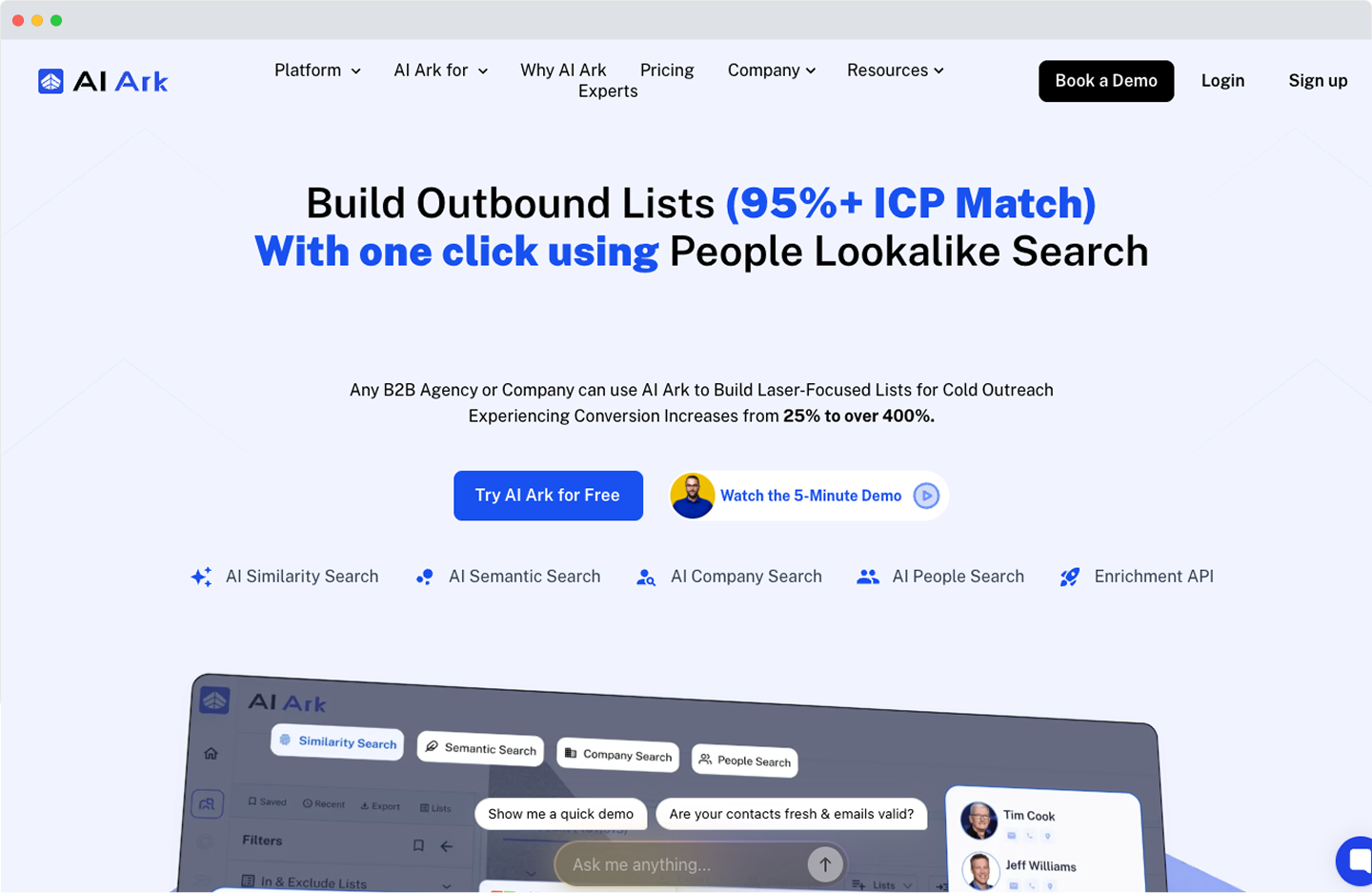
AI Ark is our go-to tool for lookalike company discovery. Once we have identified a client's best existing customers, AI Ark helps us find companies that look just like them across the entire market. This is how we scale ICP targeting beyond the obvious and find accounts that would have taken hours to identify manually.
What makes AI Ark one of the best B2B lead generation tools for the discovery stage is its ability to surface high-fit accounts based on behavioral and firmographic similarity, not just industry and headcount. This gives our clients a constantly refreshed pool of high-probability targets.
Use code "REACHLY" at checkout for 5% off. Try AI Ark here.
Key Features and Use Cases
- Lookalike company discovery: Input your best customers and AI Ark surfaces companies with similar profiles across your TAM.
- ICP expansion: Move beyond obvious filters to find accounts that match your buyer profile based on deeper behavioral signals.
- List building at scale: Generate large pools of high-fit target companies without manual research.
Pricing and Drawbacks
Pricing is available on request. The tool is most powerful when paired with a strong ICP definition and a data enrichment layer like Clay. Used in isolation without a clear enrichment workflow, the output lists still need significant work before they are outreach-ready.
Website: aiark.io
4. Trigify.io
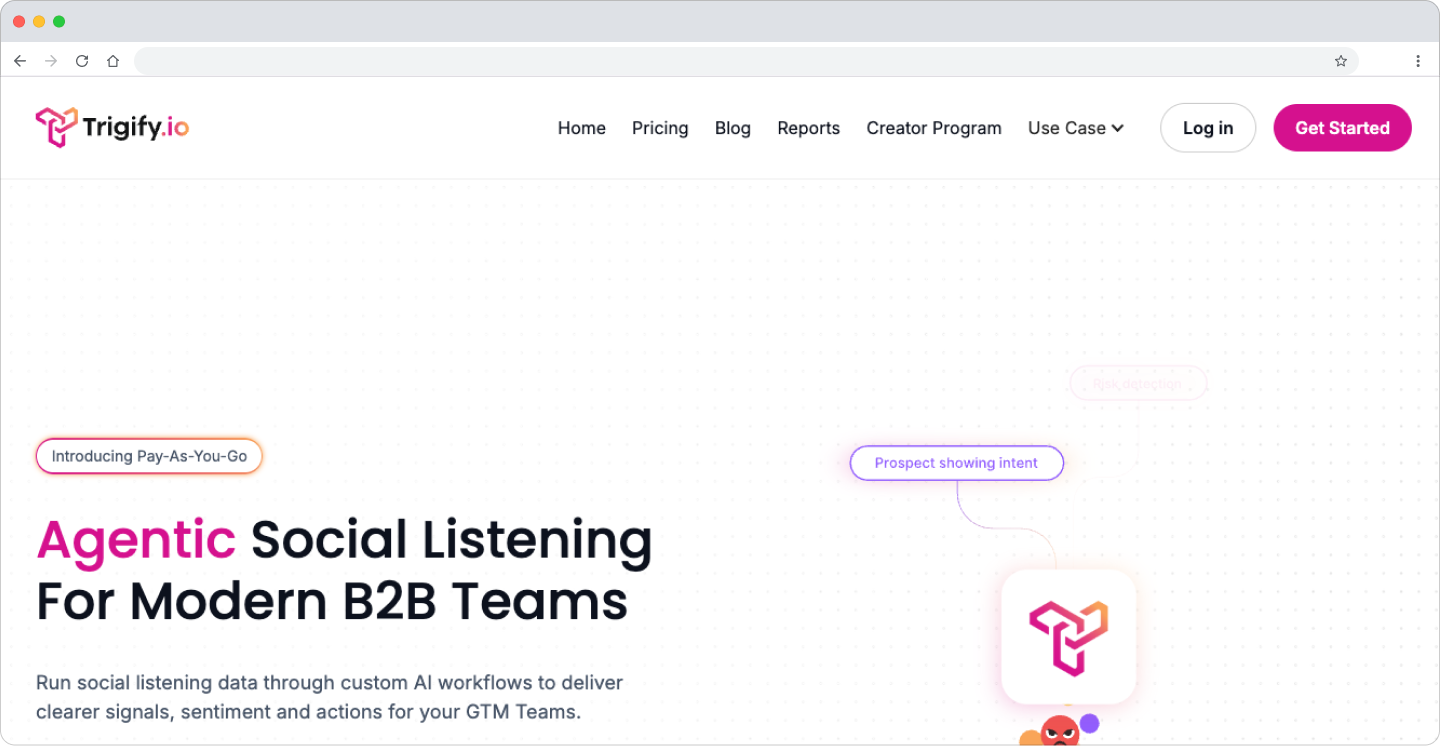
Trigify.io tracks LinkedIn engagement signals at scale. It monitors which companies and individuals are engaging with specific content on LinkedIn, surfacing accounts that are actively interested in topics related to your solution. This is one of the buying signal tools that separates good outbound from great outbound.
What makes Trigify one of the best B2B lead generation tools for signal identification is the specificity of its data. Instead of broad intent signals, you get granular engagement data that tells you exactly who is paying attention to the conversations happening in your space right now.
Key Features and Use Cases
- LinkedIn engagement tracking: Monitor who is engaging with specific posts, profiles, and content topics on LinkedIn.
- Competitor monitoring: Identify accounts engaging with your competitors, surfacing prospects who are actively evaluating solutions in your category.
- Signal-based list building: Build outreach lists based on real-time LinkedIn engagement signals rather than static firmographic filters.
Pricing and Drawbacks
Pricing is available on their website. The tool is most effective when integrated with an enrichment layer like Clay. The signals it surfaces are powerful but need to be combined with contact data and a structured outreach sequence to produce results.
Website: trigify.io
5. RB2B
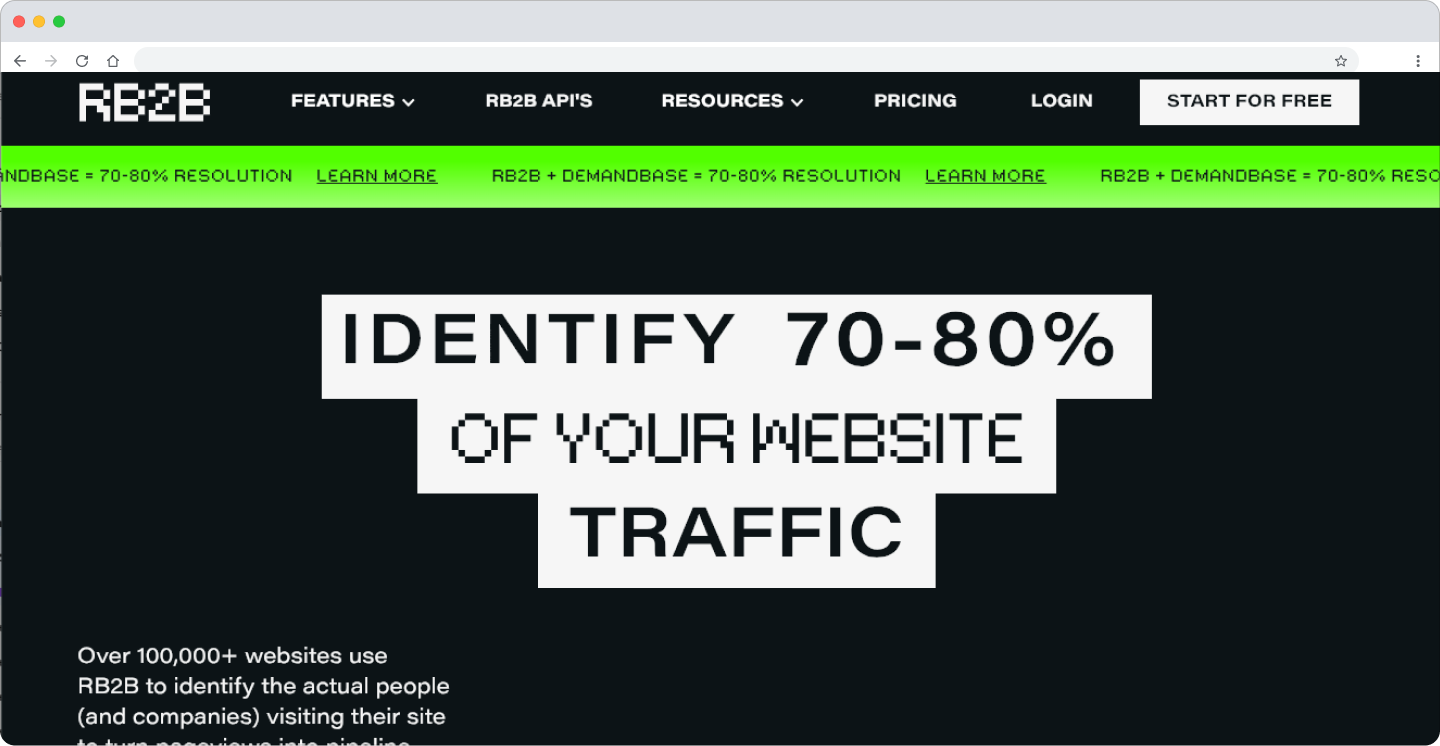
RB2B identifies the companies visiting your website and, unlike most visitor identification tools, goes one step further by surfacing the individual person from the visit, not just the company. This turns anonymous website traffic into warm, named leads you can reach out to directly.
What makes RB2B one of the best B2B lead generation tools for signal identification is the quality of intent signal it provides. Someone visiting your pricing page or case studies is far warmer than a cold outbound prospect. RB2B captures that intent and turns it into actionable outreach data.
Key Features and Use Cases
- Individual-level visitor identification: See not just which company visited, but which person, giving you a direct, contextual reason to reach out.
- Intent signal generation: Identify high-intent prospects who are actively researching your solution without filling out a form.
- Workflow integration: Feed identified visitors directly into your enrichment and outreach workflows via Clay.
Pricing and Drawbacks
RB2B offers a free tier for getting started. The main drawback is that individual-level identification depends on the visitor being logged into LinkedIn, which limits coverage. It works best as one signal layer in a broader stack, not as a standalone prospecting tool.
Website: rb2b.com
6. Icypeas
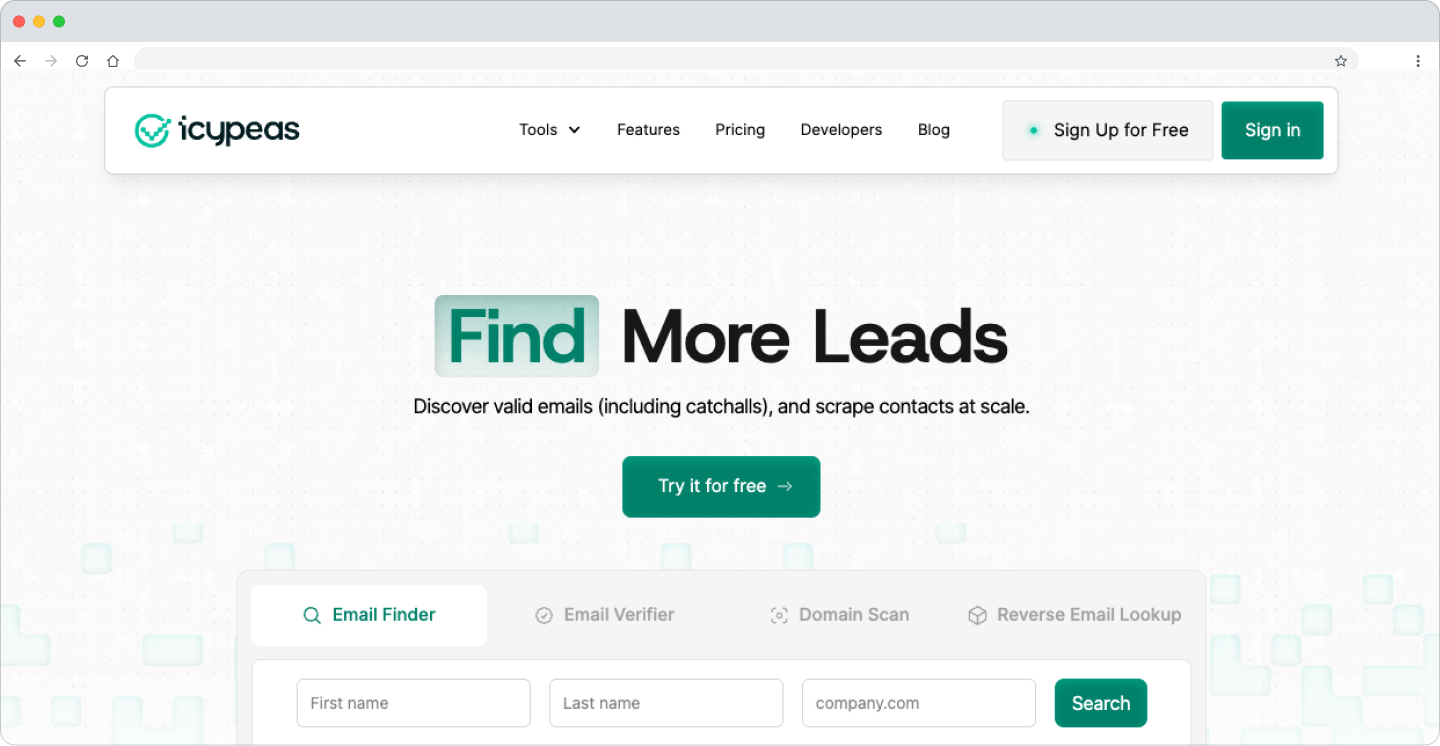
Icypeas is our primary tool for finding verified work emails for the decision-makers we identify through Sales Navigator and Clay. It is fast, accurate, and integrates cleanly into our enrichment workflows via API.
What makes Icypeas one of the best B2B lead generation tools for contact finding is its focus on email accuracy. In a world where a high bounce rate can destroy your domain reputation, having a reliable source of verified work emails is non-negotiable.
Reachly exclusive discount available at checkout. Try Icypeas here with code "REACHLY".
Key Features and Use Cases
- Work email finding: Find verified professional email addresses for target contacts at scale.
- API integration: Connects directly into Clay workflows, allowing automated email finding as part of a larger enrichment sequence.
- Waterfall compatibility: Works as part of a multi-source waterfall, so if Icypeas cannot find an email, Clay automatically tries the next provider.
Pricing and Drawbacks
Pricing is credit-based and available on their website. Like any email finding tool, coverage varies by industry and region. Always run a sample before launching a large campaign.
Website: icypeas.com
7. MillionVerifier and ZeroBounce
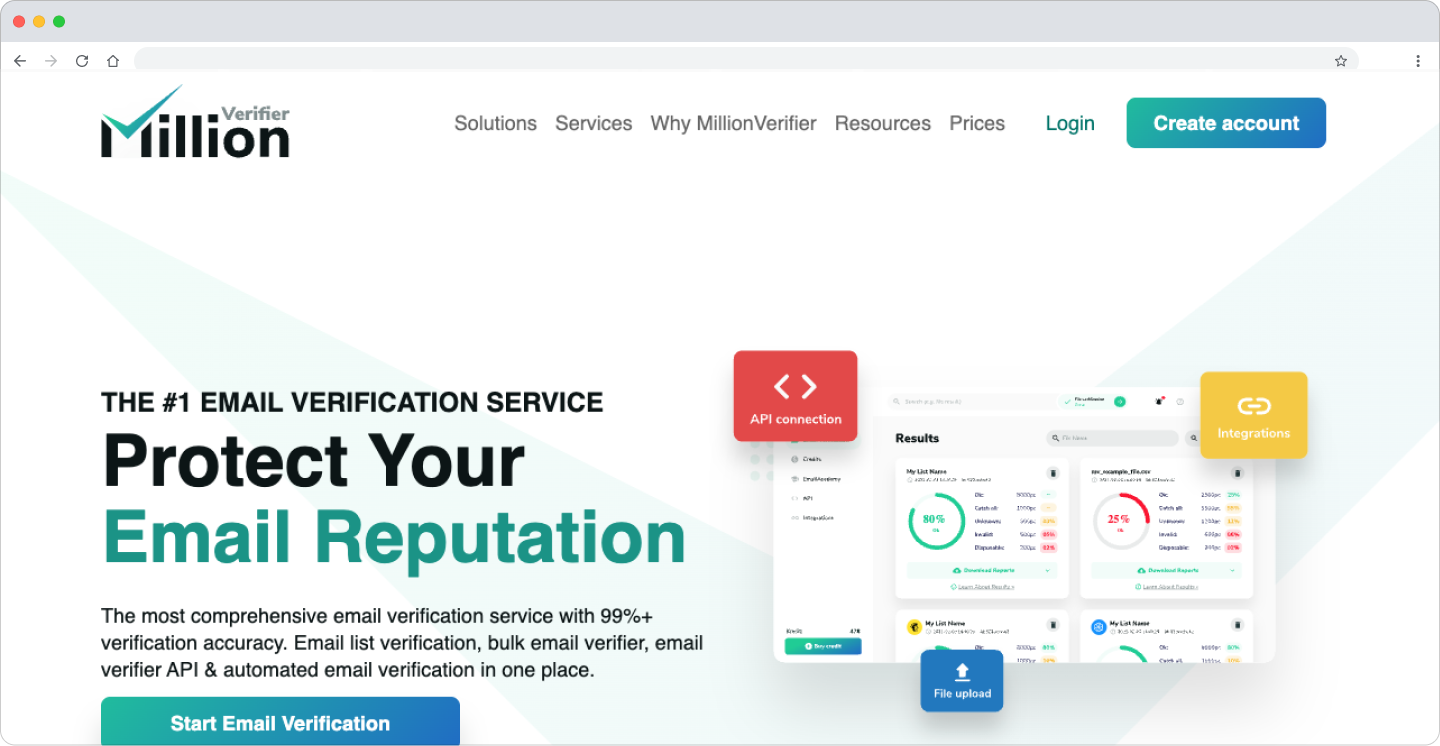
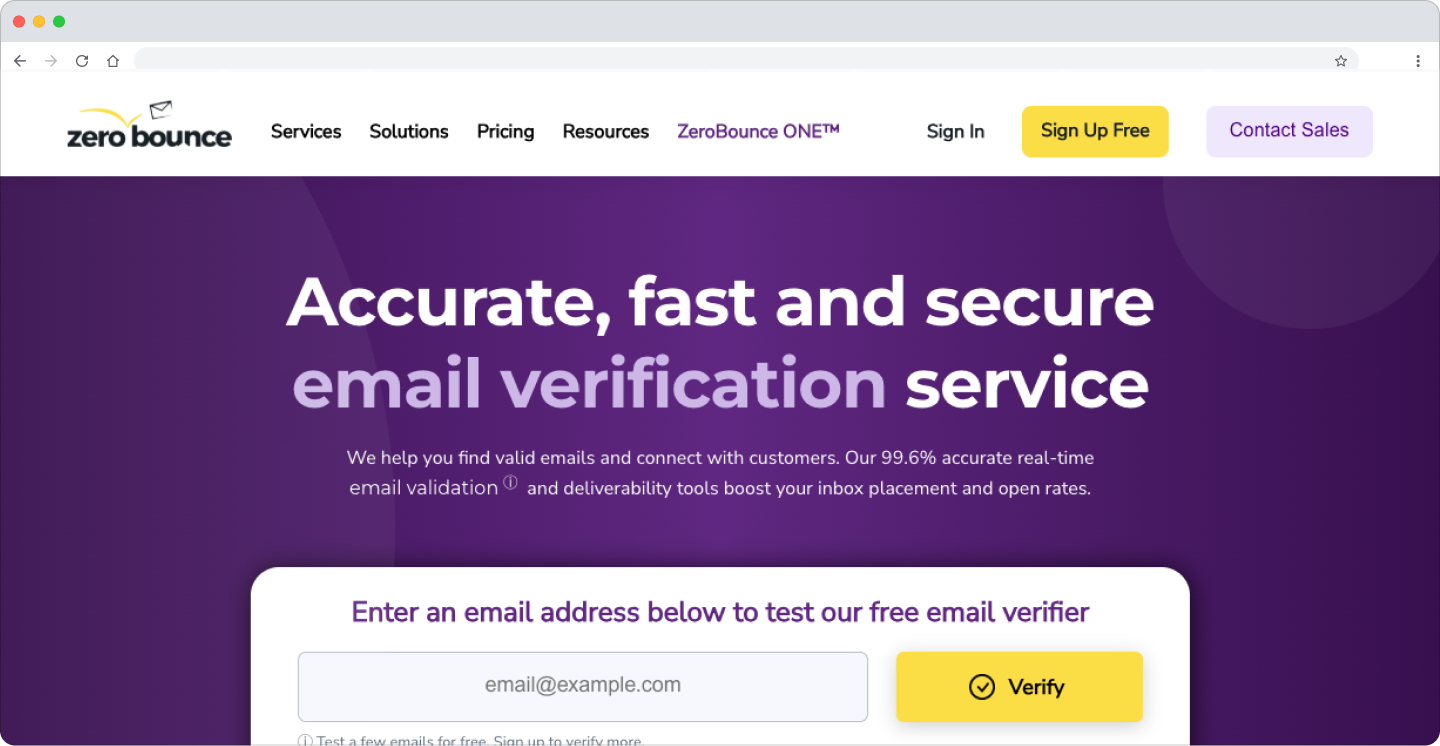
We use both MillionVerifier and ZeroBounce as our email verification layer. Before any list enters Smartlead, every address passes through verification to catch invalid, risky, or duplicate emails that could hurt deliverability.
What makes these tools essential in our stack is the simplicity and reliability of the output. Upload a list, get a clean one back. We keep bounce rates consistently below 2% across all active client campaigns by running this as the final gate before outreach begins.
Key Features and Use Cases
- Bulk email verification: Upload lists of any size and get back a clean, segmented output showing valid, risky, and invalid addresses.
- Real-time API: Integrate verification directly into Clay workflows for automated list cleaning at scale.
- Catch-all detection: Identify catch-all domains where verification is uncertain, allowing you to make an informed decision about whether to include or exclude those addresses.
Pricing and Drawbacks
Both tools offer pay-as-you-go pricing at very low cost per verification, with bulk discounts available. They are purely verification tools. They do not find emails or enrich contacts. They are the last step in the workflow, not the first.
Websites: millionverifier.com and zerobounce.net
8. BetterContact
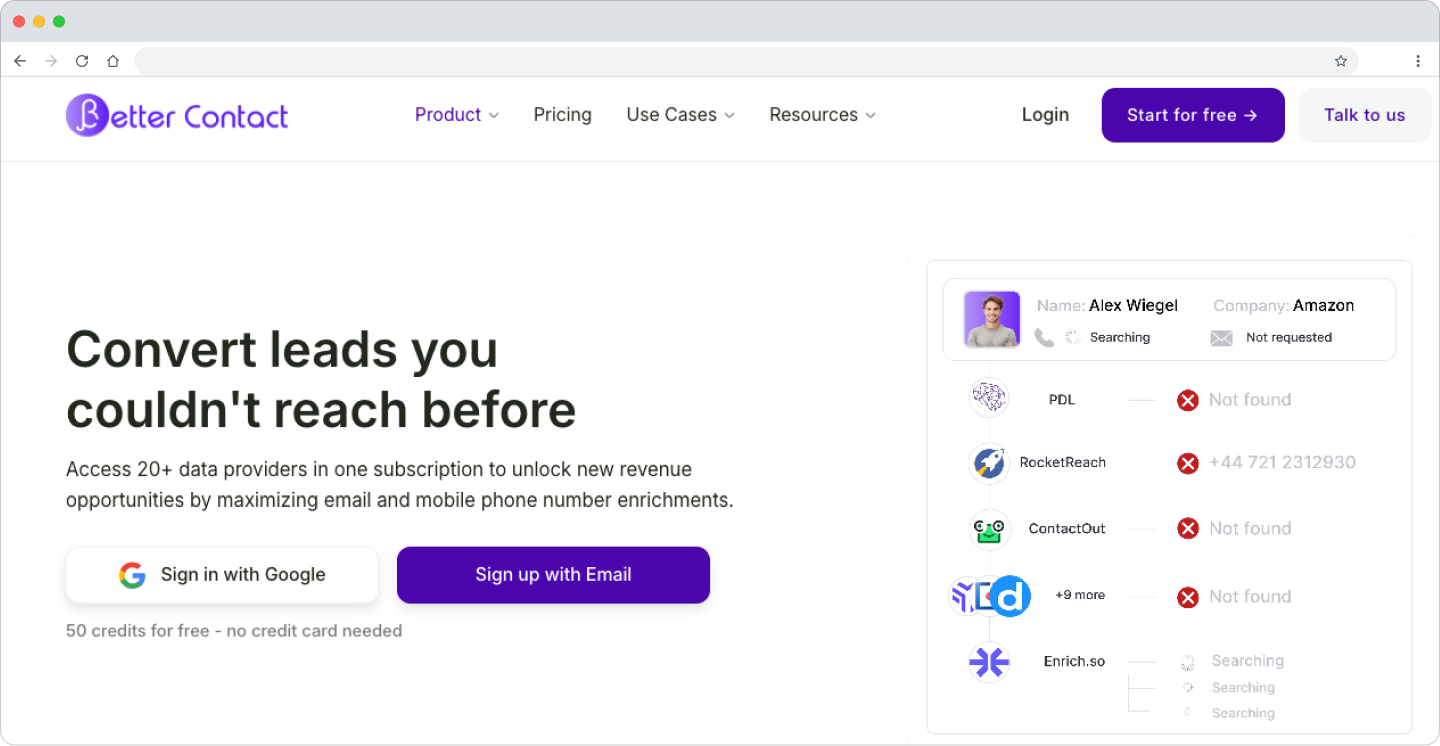
BetterContact is our tool of choice for finding phone numbers when we need to add cold calling to a client's outreach sequence. While email is the backbone of most campaigns, a well-timed phone call to a high-intent prospect can dramatically accelerate pipeline.
What makes BetterContact one of the best B2B lead generation tools for contact finding is its mobile number accuracy. Getting through to a decision-maker on a verified direct dial is far more valuable than leaving voicemails on general company lines.
Key Features and Use Cases
- Mobile number finding: Find direct-dial mobile numbers for key decision-makers.
- API integration: Connects into Clay enrichment workflows to automate phone number finding at scale.
- Multi-source verification: Cross-references multiple data sources to improve accuracy.
Pricing and Drawbacks
Pricing is available on their website. Phone number accuracy varies by region, with stronger coverage in certain markets. Always verify a sample before running a large cold calling campaign.
Website: bettercontact.rocks
9. Zapmail.ai
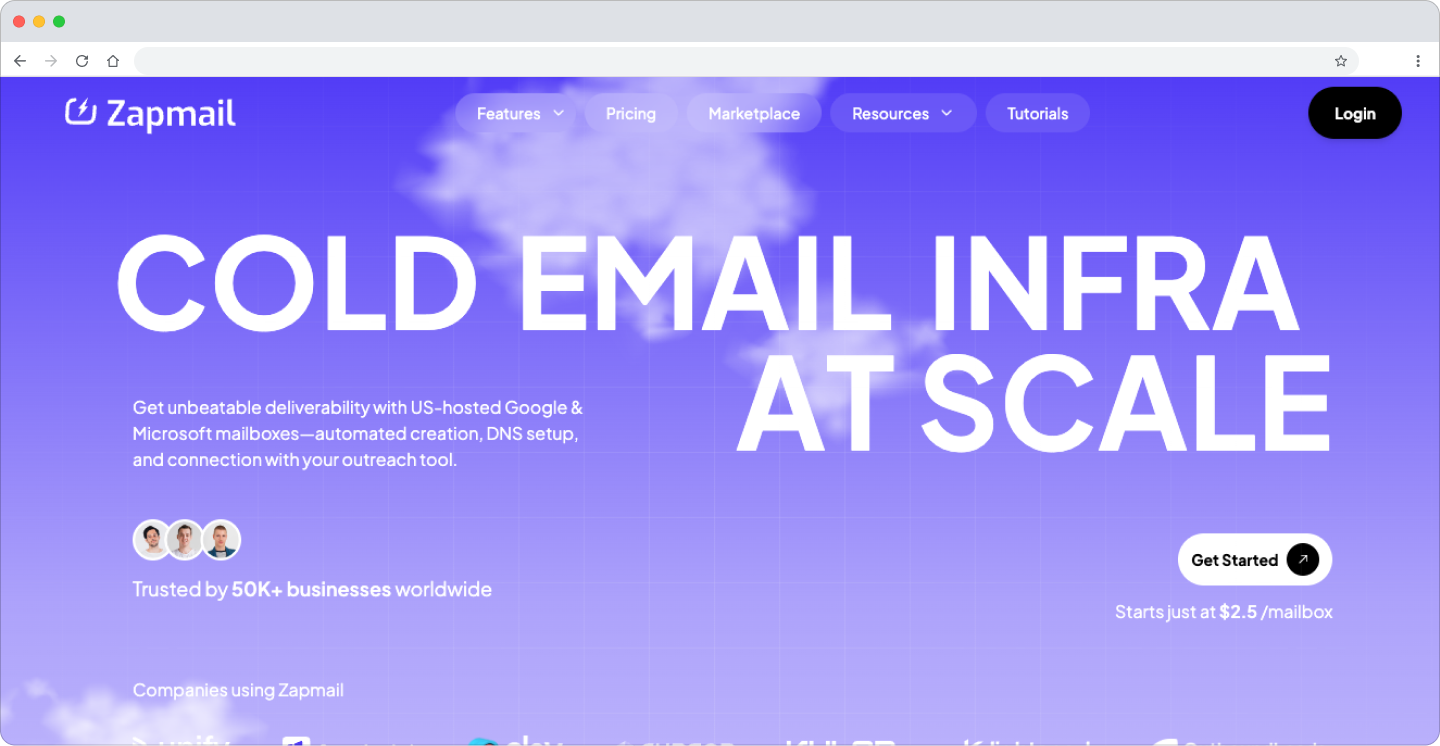
Zapmail.ai manages our entire email sending infrastructure for cold outreach. It handles the setup, warming, and rotation of multiple sending domains and mailboxes, ensuring our campaigns land in primary inboxes and not spam folders.
What makes Zapmail one of the best B2B lead generation tools for outreach infrastructure is how much operational complexity it removes. Setting up and warming dozens of domains manually is a full-time job. Zapmail automates it.
Try Zapmail here.
Key Features and Use Cases
- Multi-domain management: Set up and manage multiple sending domains and mailboxes from a single dashboard.
- Automated inbox warming: Warm up new domains and mailboxes automatically before campaigns go live.
- Rotation logic: Rotate sending across multiple mailboxes to stay within sending limits and protect domain reputation.
- Deliverability monitoring: Track domain health and inbox placement rates across all active sending infrastructure.
Pricing and Drawbacks
Pricing is available on their website. Zapmail handles infrastructure, not copy or targeting. A perfectly warmed domain sending bad copy to the wrong people will still fail. It is a critical piece of the stack but only works when the rest of the system is solid.
Website: zapmail.ai
10. HeyReach
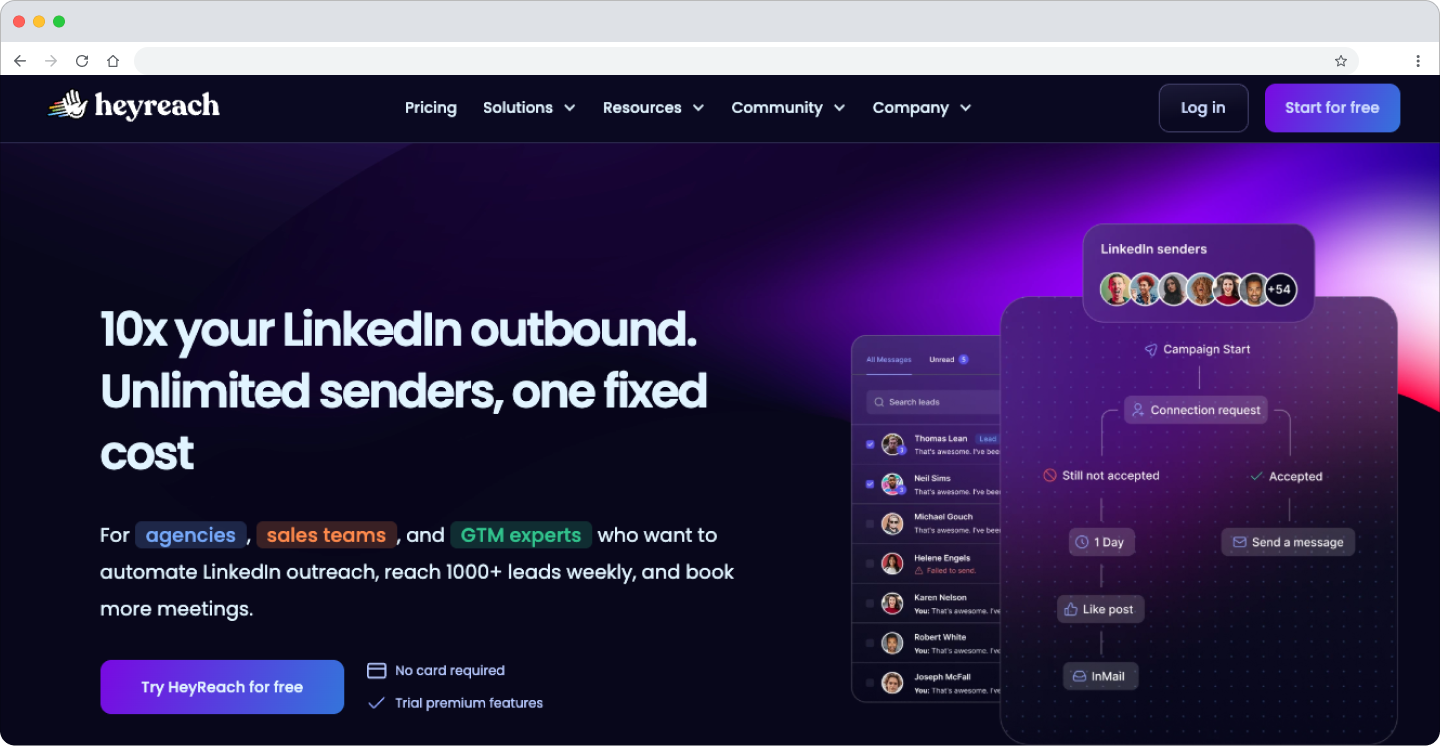
HeyReach is our LinkedIn automation platform of choice, and we are certified HeyReach experts. It handles connection requests, follow-up messages, and profile views at scale, while staying well within LinkedIn's safety limits. It is built specifically for outbound agencies and sales teams that need to run LinkedIn campaigns across multiple sender accounts simultaneously.
What makes HeyReach one of the best B2B lead generation tools for LinkedIn outreach is its safety architecture. It mimics human behavior, respects platform limits, and gives you a centralized inbox to manage all conversations across multiple LinkedIn accounts in one place.
Use code REACHLY at checkout to get one month free. Try HeyReach here.
Key Features and Use Cases
- Multi-account LinkedIn automation: Run campaigns across multiple LinkedIn sender accounts simultaneously, scaling outreach without risking individual account limits.
- Safety-first architecture: Mimics human behavior and enforces daily limits to protect LinkedIn accounts from restriction.
- Centralized Unibox: Manage all LinkedIn conversations across all sender accounts in a single inbox, ensuring no reply falls through the cracks.
- Campaign sequencing: Build multi-step LinkedIn sequences with delays, conditions, and personalization variables.
Pricing and Drawbacks
HeyReach offers tiered pricing based on the number of LinkedIn accounts you connect. It is purpose-built for agencies and teams running outreach at scale. The main drawback is that it is LinkedIn-only. For email outreach, you need Smartlead running in parallel.
Website: heyreach.io
11. Smartlead
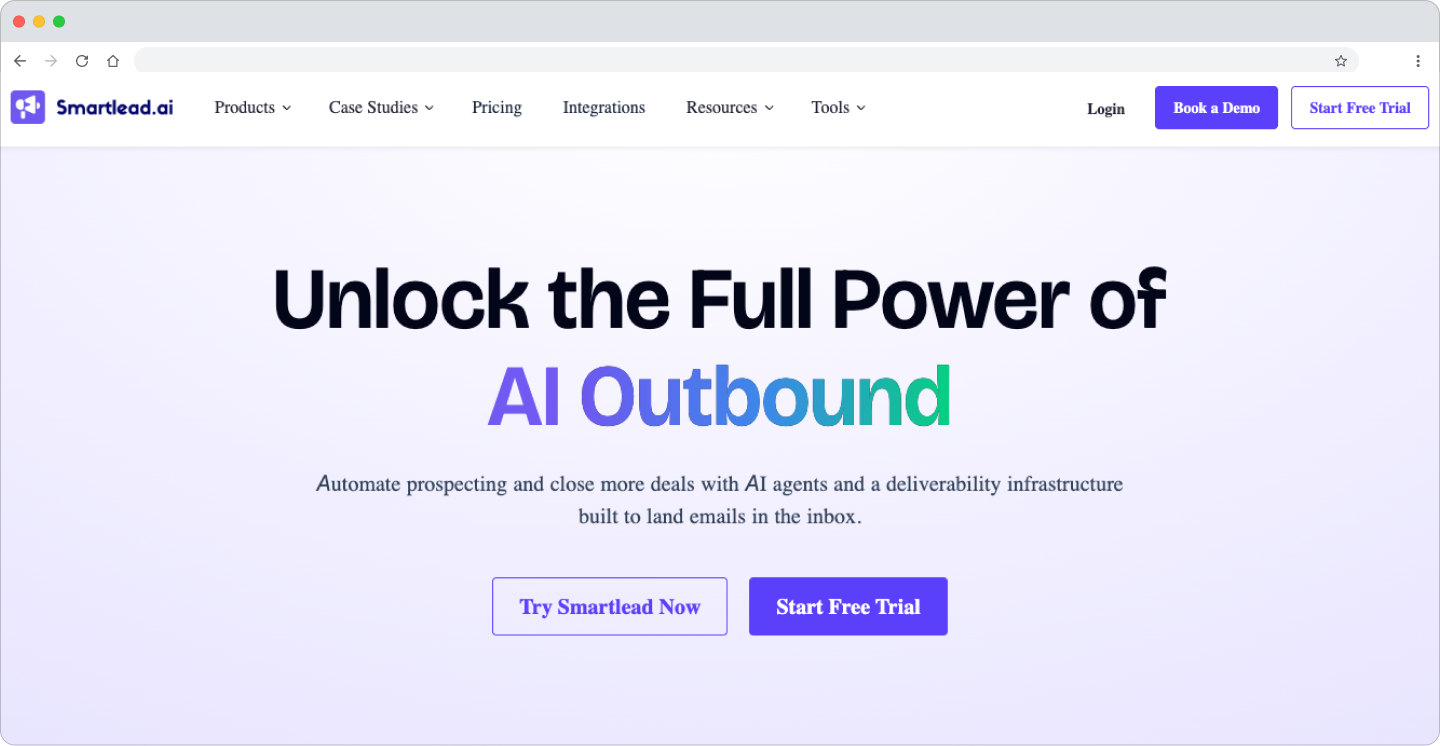
Smartlead is our cold email sequencing platform. It manages all email outreach for client campaigns, handling sending schedules, A/B testing, reply detection, and inbox management across multiple sending accounts simultaneously.
What makes Smartlead one of the best B2B lead generation tools for email outreach is the combination of deliverability infrastructure, sequencing flexibility, and centralized inbox management. It is our primary sender and the most reliable deliverability platform we have tested.
Key Features and Use Cases
- Multi-account email sending: Send from multiple mailboxes simultaneously, rotating sending to protect domain reputation and maximize deliverability.
- Advanced sequencing: Build multi-step email sequences with conditional logic, delays, and personalization at scale.
- A/B testing: Test subject lines, email copy, and sending times to find what resonates with each ICP.
- Master inbox: Centralize all replies from all sending accounts in one inbox, ensuring no positive reply gets missed.
- Deliverability monitoring: Track open rates, reply rates, and bounce rates across all active campaigns in real time.
Pricing and Drawbacks
Smartlead offers tiered pricing starting at affordable rates for small teams, with higher tiers for agencies and larger operations. Like any sequencing tool, it only performs as well as the data and copy going into it. Bad lists and generic copy will produce bad results regardless of the platform.
Website: smartlead.ai
12. LeadMagic
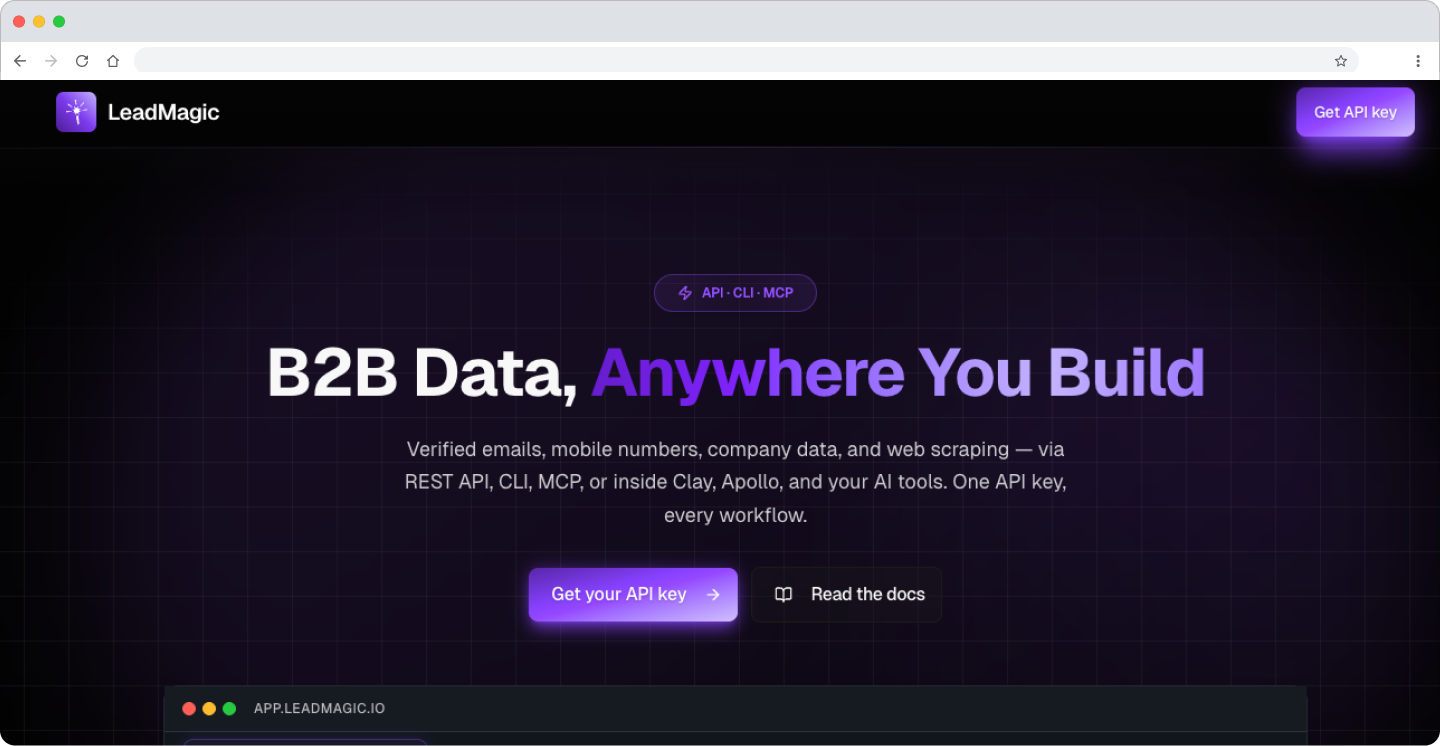
LeadMagic is a contact enrichment and email verification tool that we use as an additional data layer in our Clay workflows. It is particularly strong at finding emails and enriching contact records for prospects where other tools come up short, making it a reliable fallback in our enrichment waterfall.
What makes LeadMagic one of the best B2B lead generation tools for contact enrichment is its accuracy and the breadth of data it returns. Beyond email finding, it surfaces additional contact details and company information that helps us build richer prospect profiles and write more personalized outreach.
Try LeadMagic here.
Key Features and Use Cases
- Email finding: Find professional email addresses for target contacts, particularly useful as a waterfall fallback when primary providers return no result.
- Contact enrichment: Surface additional contact and company data points that add personalization context to your outreach.
- API integration: Connects directly into Clay workflows, running automatically as part of a multi-source enrichment sequence.
- Verification layer: Validates email addresses before they enter your sending platform, reducing bounce risk.
Pricing and Drawbacks
LeadMagic uses credit-based pricing available on their website. It is most effective as a secondary enrichment and verification layer rather than a standalone primary tool. Coverage varies by industry and region, so always run a sample before relying on it for a large campaign.
Website: leadmagic.io
Tools Are Useless Without a System. Build or Buy?
We have walked through twelve of the best B2B lead generation tools on the market. But here is the hard truth no software vendor will tell you.
Buying a tool does not solve your lead generation problem. It just gives you a new piece of software to manage.
A successful outbound machine is a system, not a subscription. Bad data going in means zero replies coming out. Generic messaging means you get ignored, no matter how great your data is. A broken sequence means promising leads fall through the cracks.
The entire chain is only as strong as its weakest link.
The Real Cost of Building In-House
If you have an experienced team, building this system yourself is possible. But for most founders, that is not the reality. You do not have six months to become an expert on Clay's waterfall logic or Smartlead's A/B testing. You need qualified meetings on the calendar next month, not next quarter.
The hidden cost of the "build it yourself" approach is not just the software licenses, which can easily exceed $50,000 per year for a small team. It is the time spent learning, experimenting, and making mistakes. It is the opportunity cost of your sales team spending their time troubleshooting data issues instead of closing deals.
Understanding the underlying strategy is crucial before even picking a tool. For a comprehensive guide on how to generate B2B leads that convert, it is important to grasp the fundamentals first.
When to Buy the System Instead
This is the point where a done-for-you service makes sense. Instead of buying twelve different tools and hiring someone to run them, you get the entire system in one package.
At Reachly, this is exactly what we do. We build and manage the entire outbound machine for our clients using the exact stack described in this guide. Clay structures the ICP and aggregates signals. AI Ark expands the target list. Icypeas, MillionVerifier, and ZeroBounce find and verify contacts. Trigify, RB2B, and Crunchbase identify buying signals. Zapmail, HeyReach, and Smartlead run coordinated multichannel campaigns across email and LinkedIn.
Your team does not touch the software. They do not write the sequences. They do not manage the follow-ups.
They just take the meetings we book straight into their calendars.

.webp)