Zapmail review: a practical look at scaling cold email with faster domain, mailbox, and DNS setup—without fixing weak offers.
ZapMail is worth a look if your problem is infrastructure, not messaging. In Reachly’s published 30,000-email-per-month setup, the sending layer uses 72 secondary domains and 180 mailboxes, and tools like ZapMail remove the slowest part of that work: buying domains, creating mailboxes, and getting authentication records in place without putting your main brand domain at risk.
Reachly is a ZapMail partner, and we use it in the mailbox setup layer. That matters, so this review is not trying to sound neutral from a distance. It is based on operator use, where the real question is simple: does ZapMail save enough setup time and cut enough DNS mistakes to justify its place in your outbound stack?
What is ZapMail actually doing for your cold email setup?
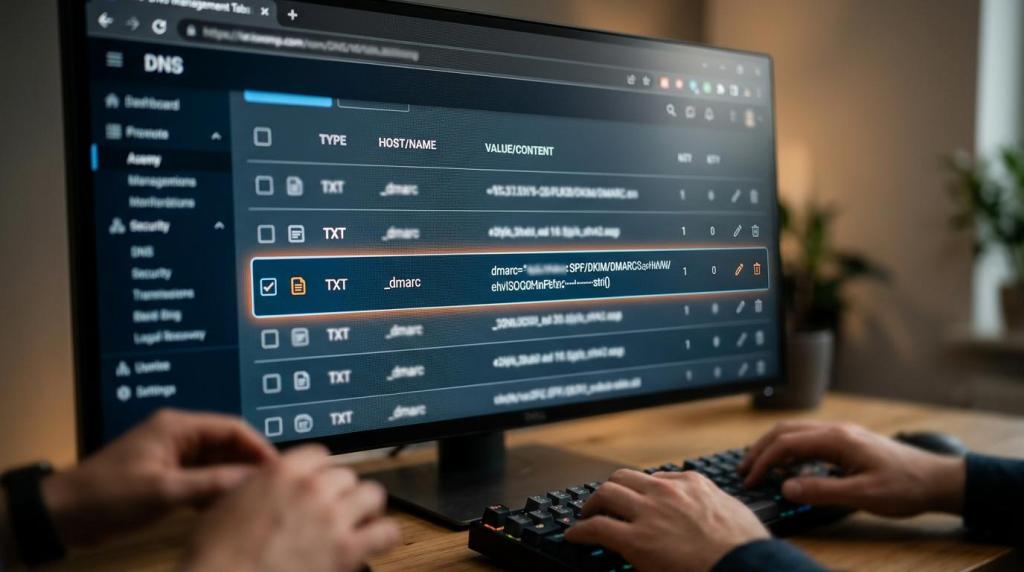
ZapMail handles the repetitive setup work that gets painful once you move past a handful of mailboxes. That usually means domain purchase, mailbox creation, and DNS authentication for each sending domain. If you are building a real outbound system, that admin pile gets big fast.
That matters because mailbox setup is not one domain and one inbox anymore. Reachly runs outbound on separate secondary domains, not the primary business domain, and spreads volume across multiple mailboxes per domain. ZapMail fits that operating model well.
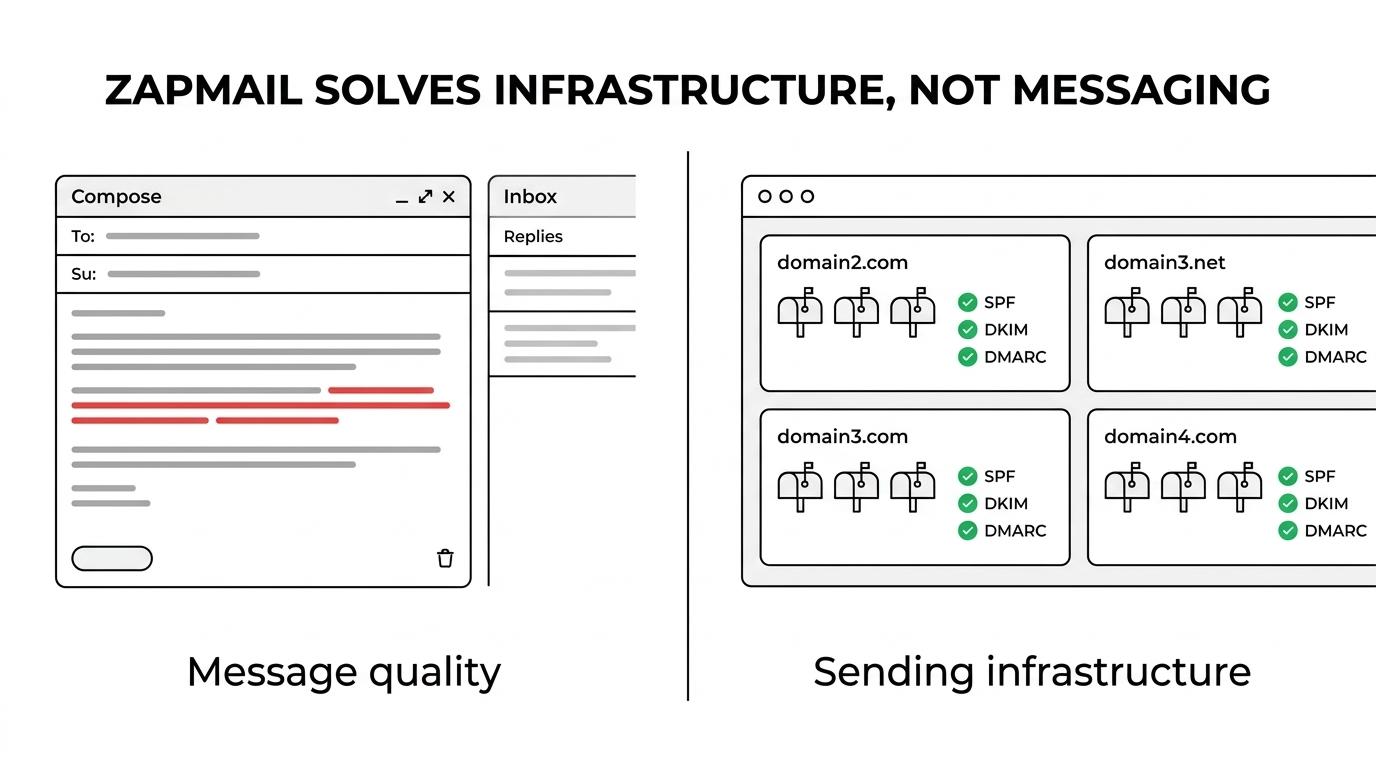
It does not, however, make your campaign good. It will not fix weak targeting, a bad offer, thin data, or copy that gets ignored.
- What ZapMail handles: secondary domain purchase, mailbox creation, SPF, DKIM, and DMARC setup
- What ZapMail reduces: manual DNS work, setup mistakes, and the time cost of repeating the same steps across dozens of domains
- What ZapMail does not fix: offer quality, list quality, copy, reply handling, warmup discipline, or inbox placement problems caused by bad sending behavior
If you only need two or three domains, manual setup is still possible. Once you are dealing with batches of 12, 24, or 72 domains, the value becomes obvious.
How many domains and mailboxes do you really need?
Most teams ask the wrong version of this question. They ask how many emails one mailbox can send, then try to squeeze more volume from the same small pool. The safer pattern is the opposite: keep per-mailbox volume low, add more secondary domains, and keep the blast radius small when one mailbox or domain gets tired.
Reachly’s published model uses 2 to 3 mailboxes per domain. In the 30,000-email-per-month blueprint, that works out to 72 domains and 180 mailboxes, with about one-third of the pool resting at any given time. That reserve matters more than most teams think.
Here is a planning model based on that same public ratio. These are working estimates, not a fixed law, and they assume business-day sending rather than seven-day blasting.
[markdown] | Monthly send target | Estimated domains | Estimated mailboxes | Planning note | | --- | ---: | ---: | --- | | 5,000 | 12 | 30 | Good starting point if you want reserve capacity built in | | 10,000 | 24 | 60 | Still manageable by one operator with the right tooling | | 20,000 | 48 | 120 | Manual setup starts getting painful here | | 30,000 | 72 | 180 | Reachly’s published infrastructure blueprint | [/markdown]Those estimates line up with Reachly’s public operating rules for 2026: roughly 15 emails per mailbox per day on Google, 10 to 12 on Outlook, 2 to 3 mailboxes per domain, and part of the pool resting at any time. If your sending mix leans Outlook-heavy, use more domains, not more daily volume per mailbox.
This is where ZapMail earns its place. The tool is not magic. It just removes a large amount of admin from a setup that gets ugly when you build it by hand.
Which mailbox setup rules still matter after ZapMail does the setup?
ZapMail can set the table, but the sending rules still decide whether you stay in the inbox.
[markdown] | Source | Year | What the source says | What it means in practice | | --- | ---: | --- | --- | | Google Gmail Help | 2024 | Senders with more than 5,000 messages per day to Gmail accounts must have SPF, DKIM, and DMARC configured for the sending domain | Authentication is not optional once you are running serious volume | | Google Gmail Help | 2024 | The From domain must align with SPF or DKIM to pass DMARC alignment for direct email | You need clean domain alignment, not just records that exist | | DMARC.org | 2024 | Recommended deployment starts with p=none, then moves to quarantine, then reject | Start with reporting and visibility before stricter enforcement | | Reachly | 2026 | Main brand domains should not be used for cold email | Use secondary domains only for outbound | | Reachly | 2026 | Google caps should stay around 15 per mailbox per day, Outlook around 10 to 12 | Volume comes from more infrastructure, not harder sending | | Reachly | 2026 | Warmup should run 14 to 30 days, with 30 days the safer number | Setup speed does not remove warmup time | [/markdown]Thibault Garcia, founder of Reachly, puts it plainly: “Four weeks of warmup before a single real email goes out. There is no version of this that goes faster, and everyone who tries to find one pays for it within a month.”
That point matters in any ZapMail review. The tool can make setup faster. It cannot compress mailbox age, domain trust, or sending reputation.
You also still need the boring rules kept tight:
- Match sender ESP to recipient ESP where possible
- Re-validate any list older than 3 months
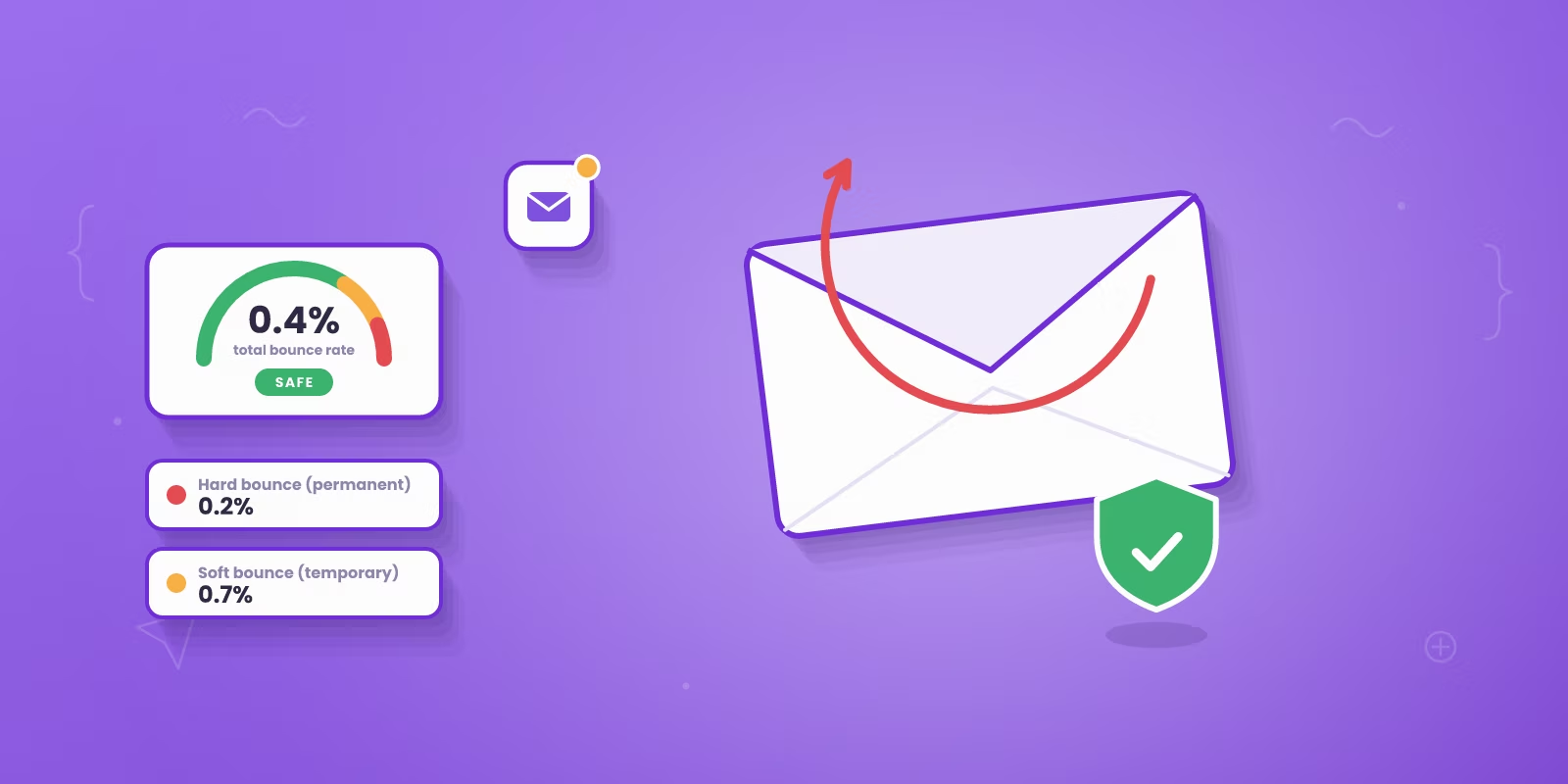
- Keep bounce rate under 3%
- Watch reply rate before bounces start telling you something is wrong
If you skip those, the tool choice stops mattering pretty quickly.
What breaks when you set this up manually?
The short answer is not “everything.” The short answer is “small mistakes multiply.”
One bad SPF record, one broken DKIM key, one missed DMARC record, or one operator sending from the main brand domain is enough to create damage you do not want. The risk is not only lower inbox placement. The risk is wasting three weeks blaming copy when the problem started in DNS.
The usual failures are familiar:
- Sending from the main brand domain
- Too many mailboxes sitting on one domain
- Warmup cut short
- Outlook mailboxes pushed like Google mailboxes
- Old lead lists sent without re-verification
- No reserve domains when a mailbox needs rest
There is also a team-cost problem. Manual setup is fine when you are building a tiny system. It becomes a recurring operations task when you are replacing burned domains, resting mailboxes, and adding new sending capacity every month.
Garcia has another useful line here: “Around thirty percent of our sending infrastructure is sitting idle at any given moment. That reserve is the reason a client’s campaign keeps running on the day a domain goes bad.”
That is the part many reviews miss. Mailbox setup is not a one-time project. It is an operating system.
Is ZapMail enough to make cold email work?
No.
It is enough to make mailbox setup less painful. That is different from making cold email work.
A campaign can have clean SPF, DKIM, and DMARC, low bounce rates, and still produce nothing if the offer is weak. Reachly saw that with a Series A client sending 20,000 to 30,000 emails a month. Reply rate moved from 0.5% to 1%, then to 1.6%, after the copy shifted to direct question-based language with a better lead magnet and a stronger offer.
That is why the goal of a cold email is a reply, not a meeting. No reply, no meeting.
You can see the same pattern in outcomes like Primal, where the outbound system averaged an 8% positive reply rate and produced 85+ SQLs in 6 months. Infrastructure mattered. It just was not the whole story.
A good setup tool belongs in the first layer of the stack. The rest still has to work:
- Audience: tight ICP and list quality
- Offer: concrete and easy to understand in one pass
- Copy: 60 to 80 words, phone-readable, no wasted lines
- Follow-through: reply handling, nurturing, and a fast path to book the meeting
If you are already running outbound lead generation services internally, this is the difference between owning the plumbing and owning the whole system. ZapMail helps with the plumbing.
When should you use ZapMail, and when should you skip it?
Use ZapMail when your bottleneck is mailbox infrastructure. That usually means you need secondary domains live fast, you want 2 to 3 mailboxes per domain, and you do not want someone on your team touching DNS records all week. The cost is still a 30-day warmup window and the same deliverability discipline you would need with any setup.
Skip it if your outbound program is still tiny, your average contract value is under $5,000, or your market is so small that a founder with a keyboard can cover it manually. In those cases, the harder problem is usually the offer, not the infrastructure.
Skip it if you are hoping a setup tool will fix message-market fit. It will not. Outbound ships in 3 to 4 weeks and tells you fast whether the offer lands, but only after the technical base is sound.
If you want help beyond mailbox setup, the next step is not another tool. It is a system that ties infrastructure to targeting, copy, reply management, and meeting booking. You can see how Reachly runs that through outbound lead generation services and our LinkedIn outreach agency work, then book the meeting with Reachly from there.
Short version: ZapMail is a good tool for the infrastructure layer, especially once your sending program needs dozens of domains and mailboxes. The rules do not change just because the setup got easier. Secondary domains, 2 to 3 mailboxes per domain, full authentication, 30 days of warmup, and low per-mailbox volume are still the model that keeps cold email usable.